

Search
You'll find the search bar in the top right corner.
You can type what you're looking for into the search bar. Your most recent searches are displayed below the search bar.
This is a real-time search, so as soon as you type more than three letters, you’ll start getting relevant results.
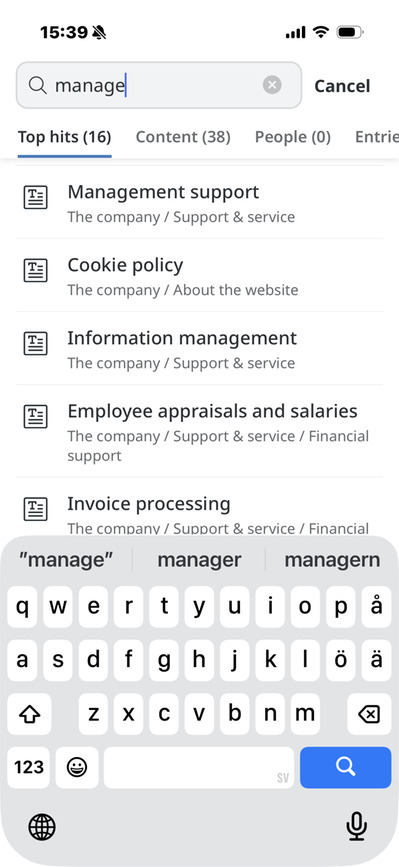
The search feature helps you sort, categorize, and find what you're looking for. The mobile app displays your search results based on Top Results, Content, Documents, People, Posts, and Groups.
The page published:
 Print page
Did the information help you?
help.sitevision.se always refers to the latest version of Sitevision