

Messages
In Sitevision's intranet mobile app, you can choose to enable the Notifications feature. This feature is enabled under the "Add-ons" section. Once enabled, the notification icon will appear in the lower-right corner.
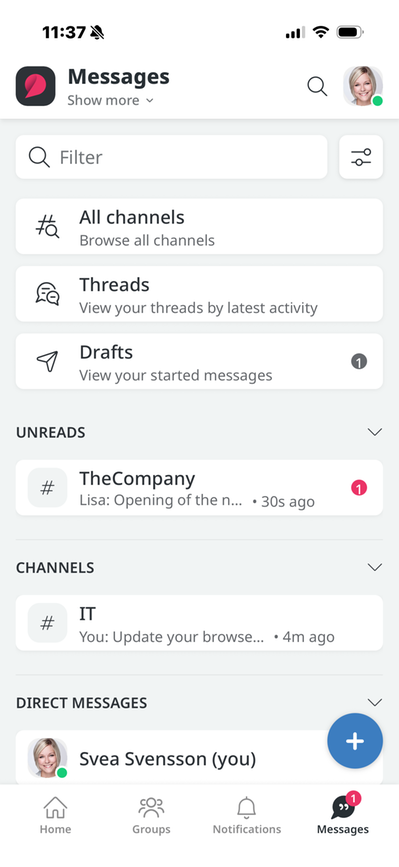
Clicking the icon takes you to the Message Service. The icon also displays notifications in the form of a red circle with a number inside, depending on how many unread messages you have.
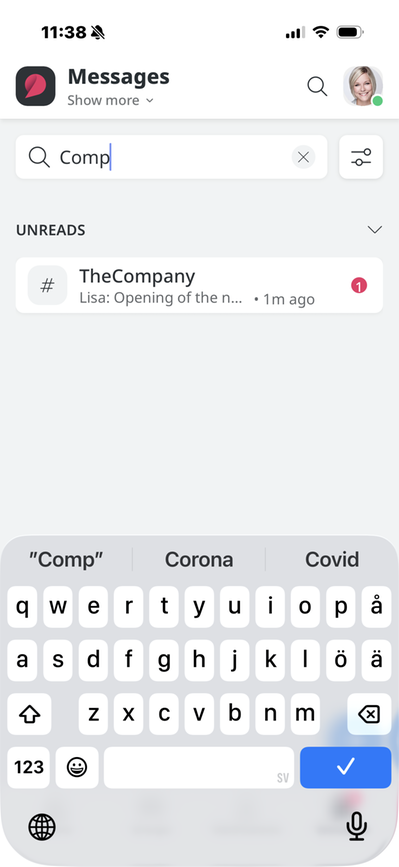
Filter
Here you can search for the name of a channel or a person and get results.
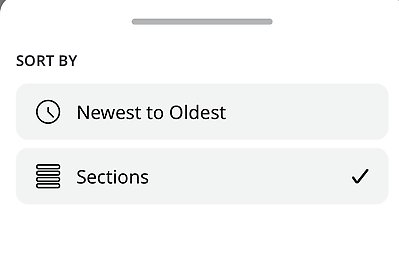
Sort
Click the Sort icon to the right of the Filter option. There, you can choose to sort by Sections or from newest to oldest.
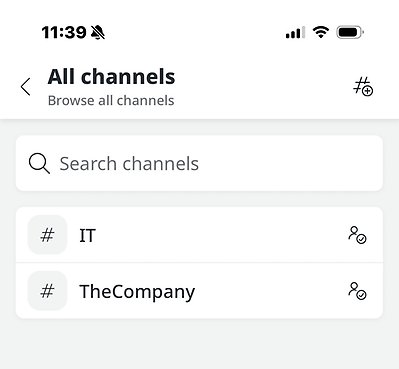
All Channels
Browse all channels. A new view appears showing all channels in a list, along with the option to search for channels.
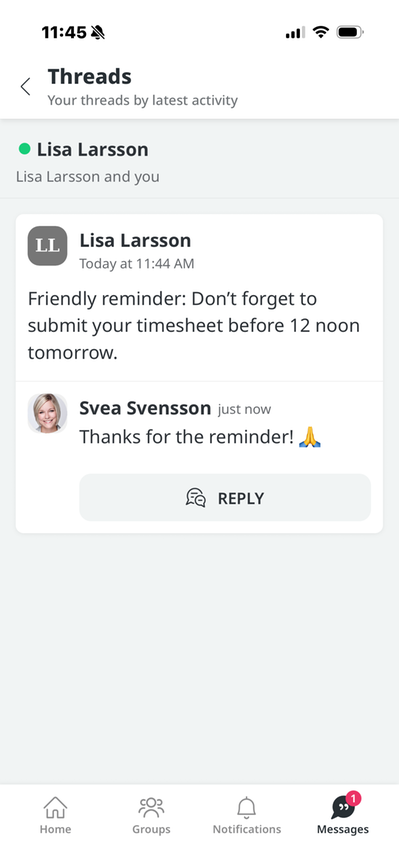
Threads
Your threads are displayed here in order of most recent activity.
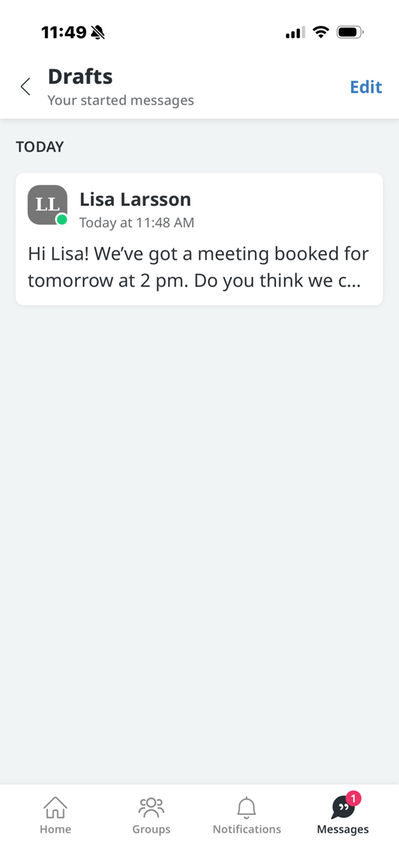
Drafts
Here you'll find your draft messages that haven't been sent yet.
This feature requires the "Sitevision Intranet 2022" license.
The page published:
 Print page
help.sitevision.se always refers to the latest version of Sitevision