
Add decoration
With Add decoration, you can make the settings for a decoration. Here you save settings you make for Spacing, Margins, Background, Borders, Alignment (flow), Style (CSS) on a module or layout.
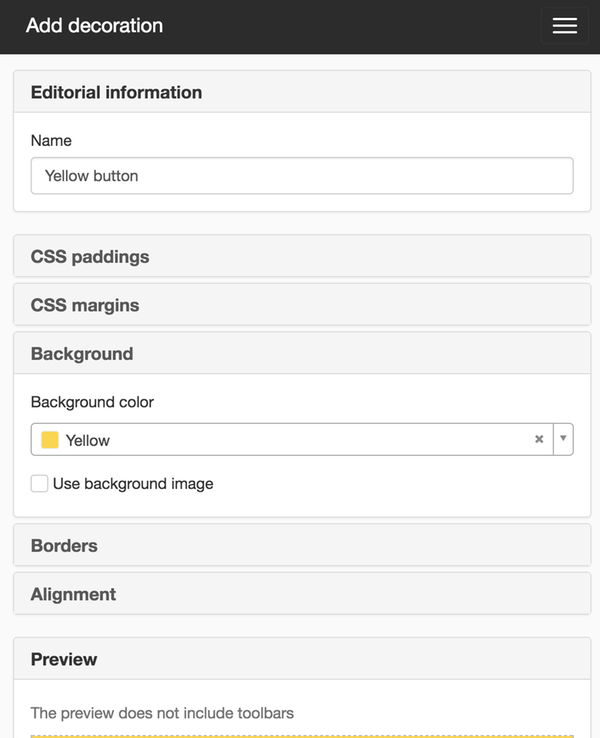
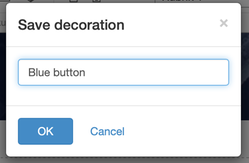
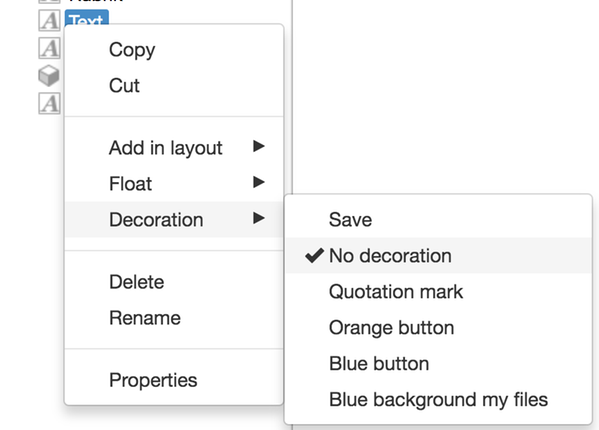
You can also save a decoration when you create it on a page or template. Make your settings and right-click on a module/layout in the editor and select the option Save decoration. A new window opens where you enter a name for the decoration.
The saved decorations are then displayed in a list on the website under Website settings -> Appearance -> Decorations.
These are also displayed as a list when you right-click on a module/layout and choose Use decoration.

Du kan inte ta bort en dekoration när den väl är tillagd på webbplatsen.
This function requires you to have "Manage decorations" permission. To save a decoration, you also need to have the "Manage page layout" permission.
The page published:

help.sitevision.se always refers to the latest version of Sitevision