

help.sitevision.se always refers to the latest version of Sitevision
User profile - Appearance
In the Appearance tab, set how the module should appear.
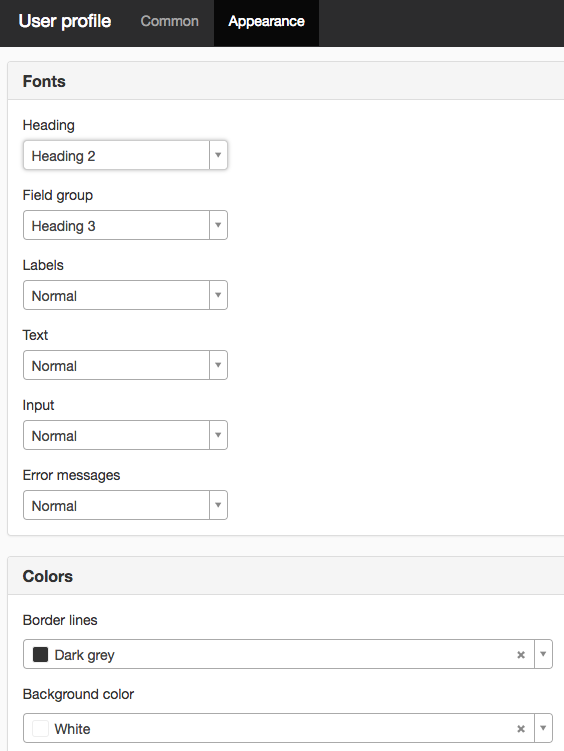
Fonts
Here you can set fonts for the following:
- Heading - style sheet for Users etc.
- Field group - grouping for User information
- Tags - the name of the field, for example, First name, Last name
- Texts - common text
- Input - what the visitor enters. Also controls the button text.
- Error messages - any error messages
Colors
Border lines
Here you set the border colour around the group for User Information
Background colour
Here you can set the background colour of the group.
The page published:
 Print page
Did the information help you?