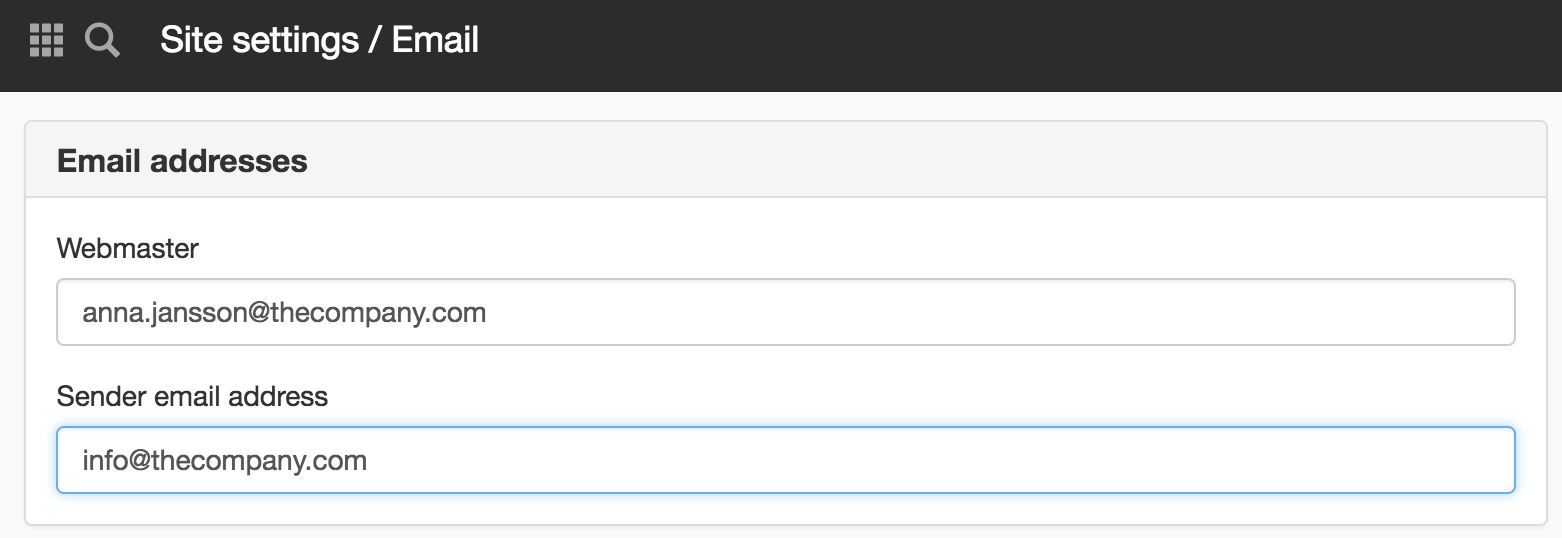
The Email Panel

In the Email panel, specify a webmaster and a sender address that the system can use for various functions. You should also enable DKIM signing of messages.

E-mail addresses

Webmaster

This address is used by the system when making link checks (if you make this choice) and Best-before publishing. It is also this person who gets notified in the Cloud about upgrades etc. If you would like to be notified in Cloud when upgrades etc. take place, you can fill this in on the Cloud panel.

Sender email address

Enter the e-mail address that will be the sender of the e-mails that the system sends from the website. Used by the following modules and functions:

  • E-mail form
  • Questionnaire
  • Sign up
  • Survey
  • Booking
  • Publishing workflows

If the sender address is not filled in, the system retrieves the return address from the server. If this is not filled in, the e-mail address is retrieved from the server manager.

Signing of messages

Here you can enable DKIM for messages. DKIM adds a digital signature to all outgoing messages so that receiving servers can verify that the message actually comes from the sender.

It is not enough to simply make settings in Sitevision for this to work. Settings must also be made in your DNS. Contact your IT department for help creating private and public keys and for information about which selector to specify.

Enable DKIM signing of messages

Here you can choose whether or not to use this feature.

Signing domain

Here you specify the email domain that DKIM applies to. This also includes all subdomains, so if you specify company.com, the setting will also apply to, for example, test.company.com.

Selector

An identifier that tells the recipient's mail server where in your DNS the public key will be located.

Private key

The button opens a modal with a free text field. The private key must be in ‘PEM format’.

The easiest way is to copy the entire contents of your PEM file, including the header and footer.

Test

Here you can send a message to confirm that your email settings are working.

If DKIM is enabled, the sender address will be validated to ensure that it matches the signing domain.

If a sender in any function (e.g. email form) has a different domain than the one specified as the signing domain, we will replace the value with the one specified as the sender address under Website settings -> Email.

DKIM is important because email clients today have high requirements for email delivery in order to protect users from spam. Without it, your emails risk ending up in the recipient's junk mail folder or you as the sender being blocked.

The page published:

Did the information help you?

help.sitevision.se always refers to the latest version of Sitevision