

Split text module
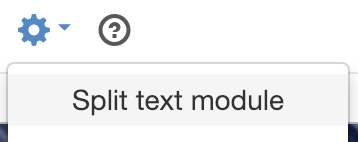
You can find the Split text module under the Tools icon in the tool bar.
Splitting a text module is a function that divides an existing text module into one or more text modules. For example, if you want the text to be in different text modules because you want to insert an image in the middle of it.
Place the cursor in the text where you want to split the text module, and select Tools -> Split text module. All text below the selection will be moved down to a new text module.
You can also find the Split option by right-clicking where you want to share your text module.
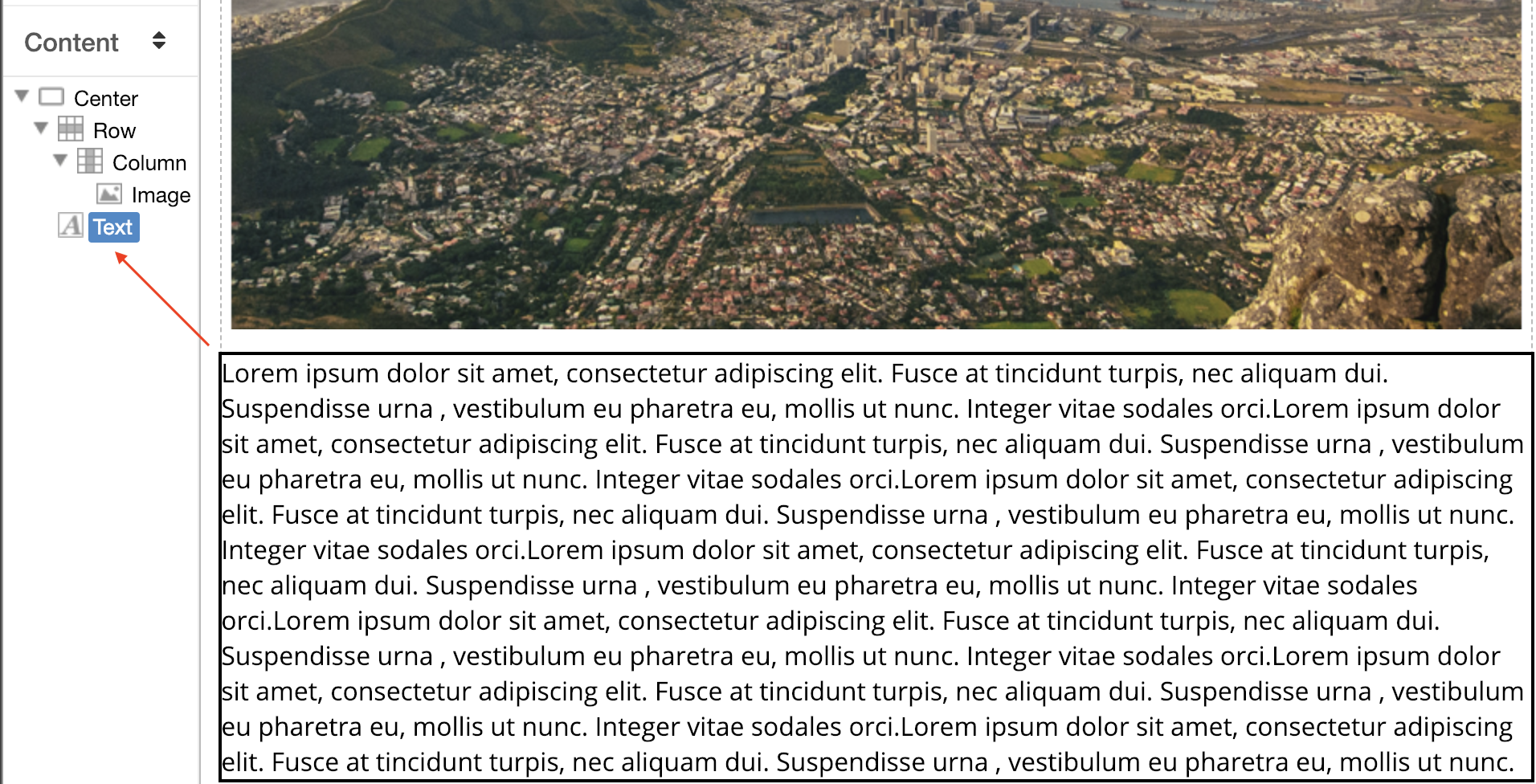 Zoom image
One text module
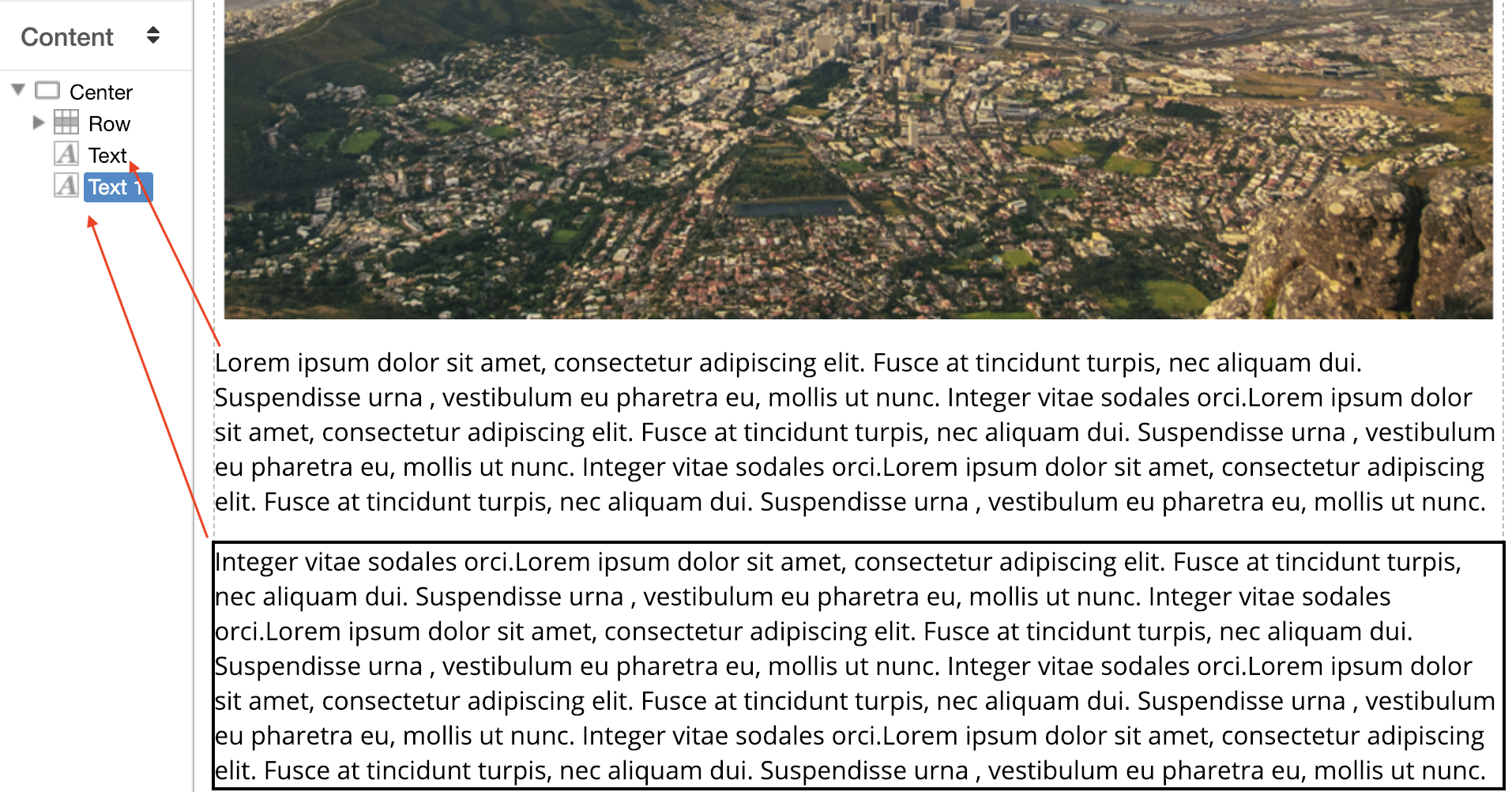 Zoom image
The result after "split text module" - two text modules
Du kan även dela textmodul med hjälp av snabbkommando CTRL + SHIFT + S
The page published:
 Print page
help.sitevision.se always refers to the latest version of Sitevision