

Properties of a data source
If you click Properties after selecting a data source, you will see the following options:

Settings
Here you can add editable fields that you can change in your data records.


For example, if you have the following data record:
{
"Total Revenue": 441535.96,
"Units Sold": 2866,
"dsid": "c8c47ef0-8605-11e9-af85-6451060ef6ac",
"Order ID": 817424285,
"Name": "Vegetables",
"Country": "Brunei",
"Region": "Asia",
"Order Date": "4/25/2010",
"dstimestamp": 1559569501279,
"Unit Price": 154.06
}
You can then add, for example, Name as an editable record. Users who have access to this data can then edit the record from Sitevision. It is also displayed in the overview of the data source.
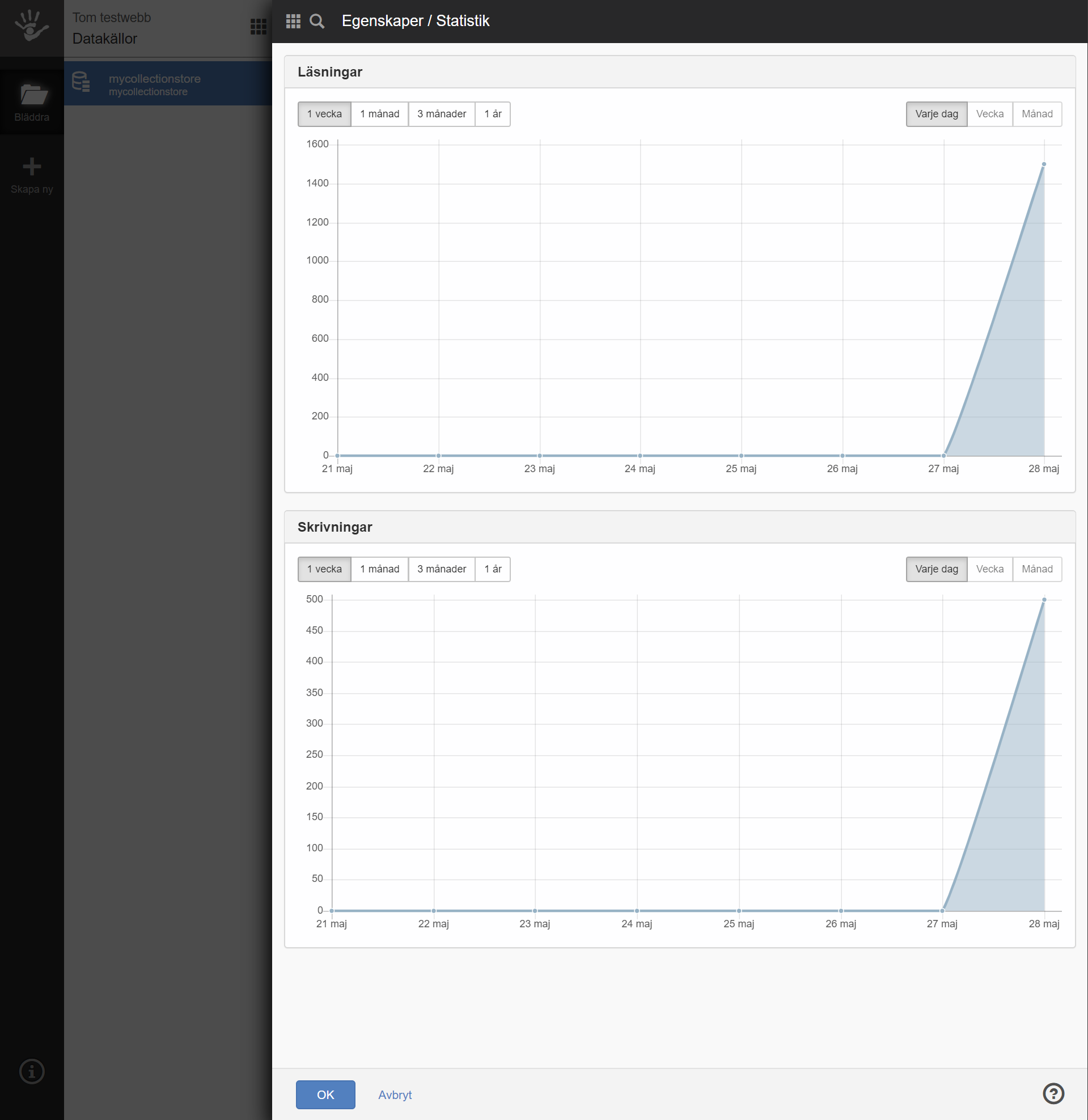
Statistics
This section displays readings and writings for the data source.
Restrictions
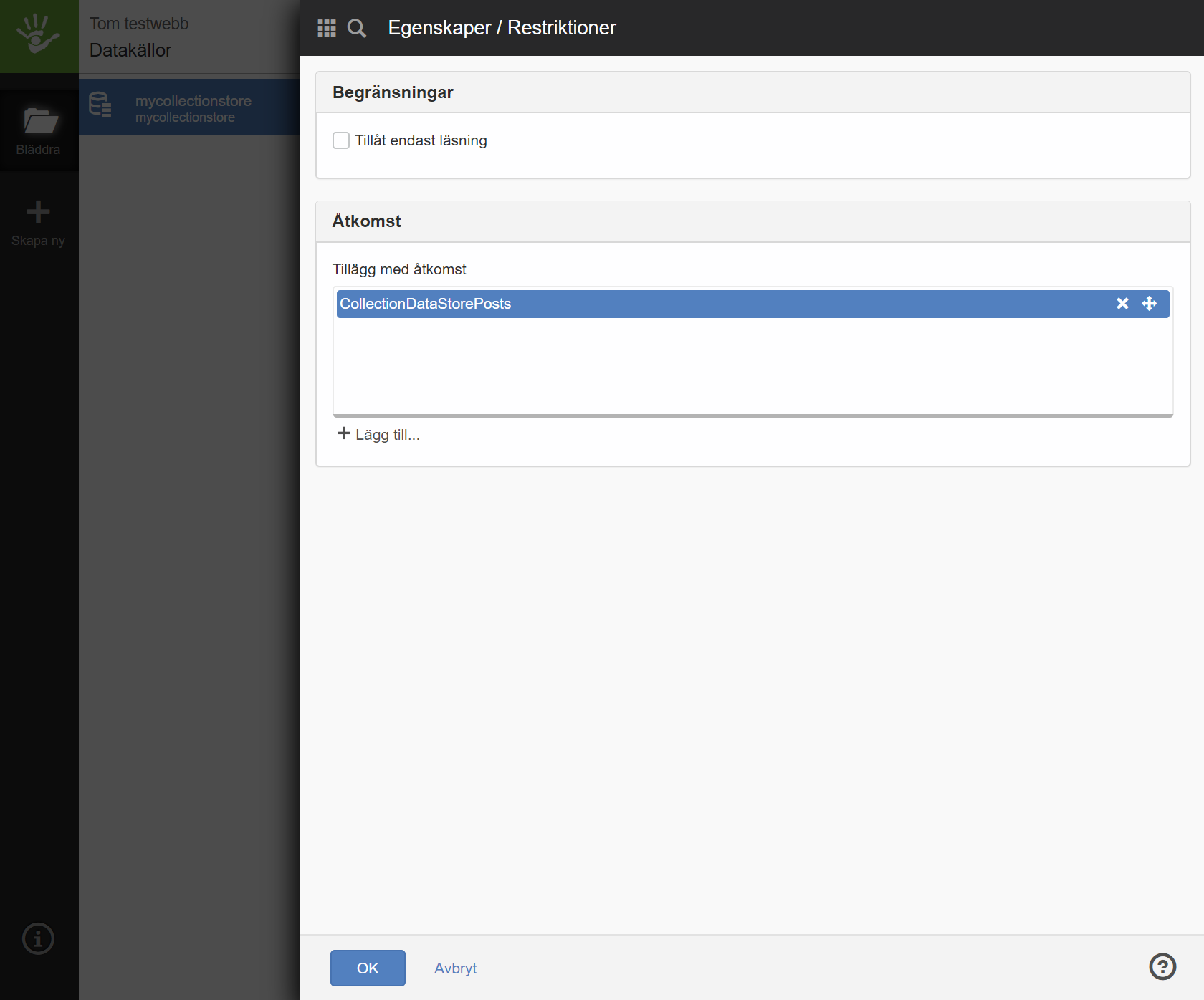
Allow read only
If you check this box, apps will not be able to write to the data source. It will then not be possible to change fields.
Another reason why you can only read may be that you have exceeded the limit for the data source by 75%, 100%, or 150%.
Add-ons with access
Here is a list of apps that can use and access the data source.
If you have an add-on that uses a data source that does not exist, it will be created automatically.
The page published:
 Print page
help.sitevision.se always refers to the latest version of Sitevision