

Header and footer - components
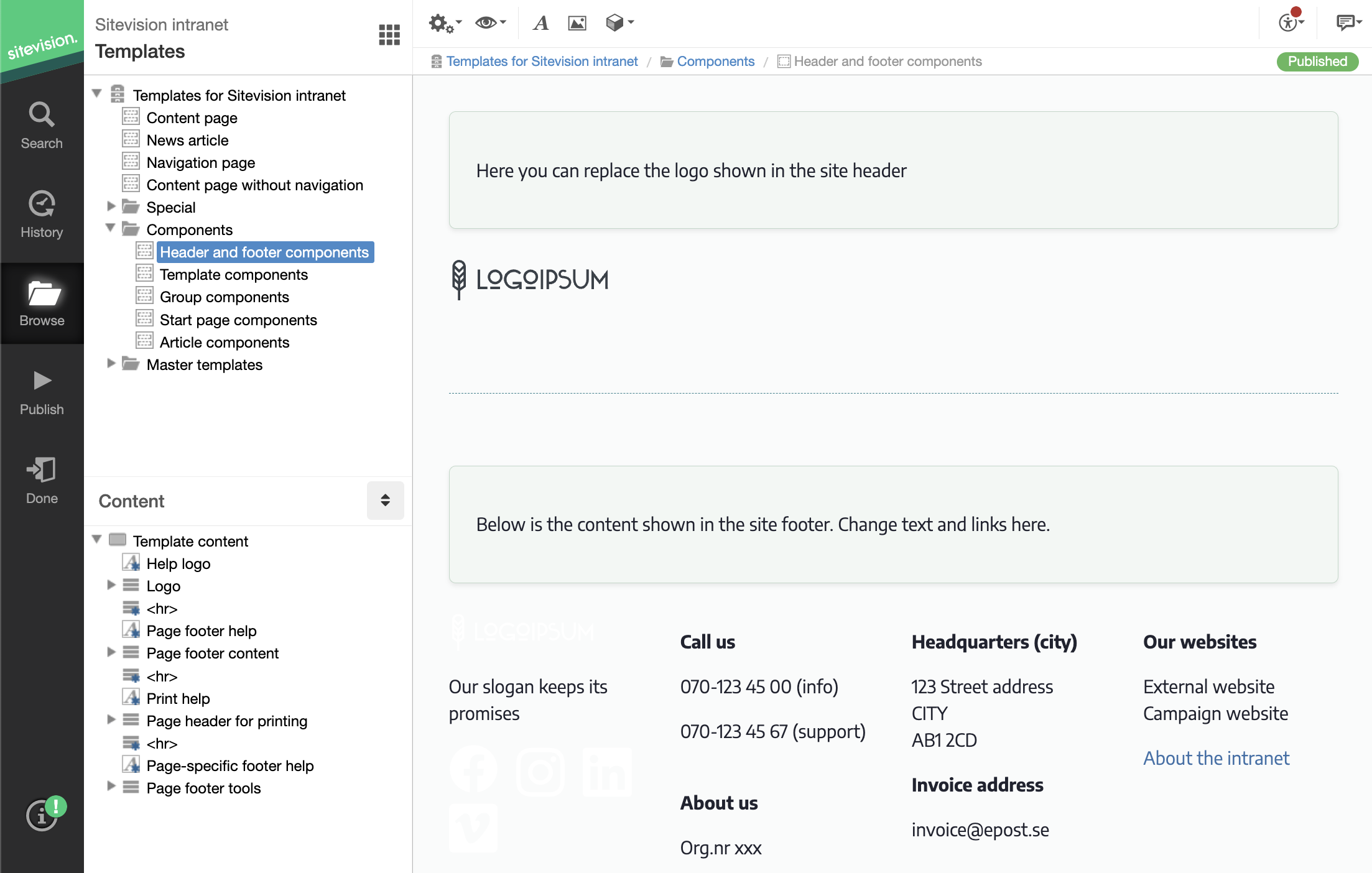
This component template contains components such as the logo and footer text content. The different parts are then linked into the other templates.
The template contains the following components:
- Logo header
- Footer content (white logo, social media icons and texts)
- Print header (black logo and website name)
- Footer tools (Share page, Add/remove favorite and html icon with print icon modules)
Footer tool
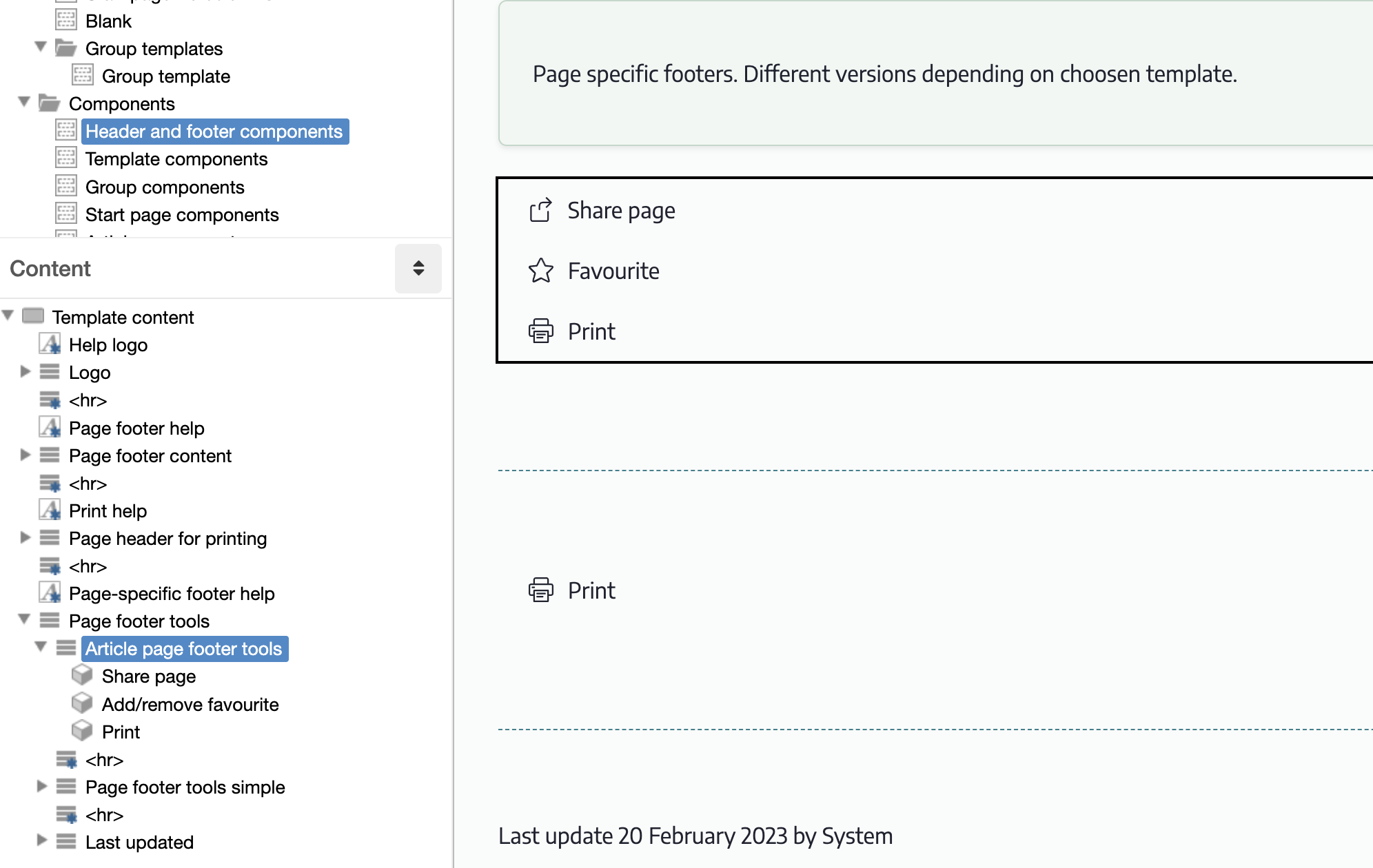
The footer tool is the page-specific part of the footer that appears differently depending on the template. There are therefore two different variants: footer tool article and footer tool simplified.
They contain the modules:
- Share page(Here you can read more about the module Share page)
- Add/remove favorite(Here you can read more about the module Add/remove favorite)
- Html module for printing.
Add/remove favorite
The add/remove favorite module uses its own template for adding, removing and maximum number reached. You can see your own template in the module settings under the Advanced tab.
Print (html module)
Print is an HTML module with a script that, simply put, acts as a print button for the browser's built-in print function.
Influencing what is shown/hidden when printing
CSS rules allow you to influence what is included or hidden when printing. The CSS rules related to printing are:
- Template: Print only
- Template: Hide in print
- Template: Page header print version
The page published:
 Print page
help.sitevision.se always refers to the latest version of Sitevision