

Start page components
Home page components contain the functions used on the intranet home page. The different components are then linked into the two variants of the home page template. This is so that the content is the same even if you change the home page template.
Here you manage the settings for the various functions, such as how many news items should be displayed in the news feed on the start page. If you instead want to change the order, placement or delete a function, you do so in the respective start page template.
The template contains the following components:
- Activity flow on the start page (module Timeline)
- News on the start page (module News list x 2)
- My favorites (module List of favourites)
- Shortcuts - 2 columns (module Personal shortcuts)
- Shortcuts - 3 columns (module Personal shortcuts)
- Groups (module Groups)
- Contacts (module Contacts)
- Placeholder for Calendar integration (if you choose to integrate a calendar, this module should be placed here).
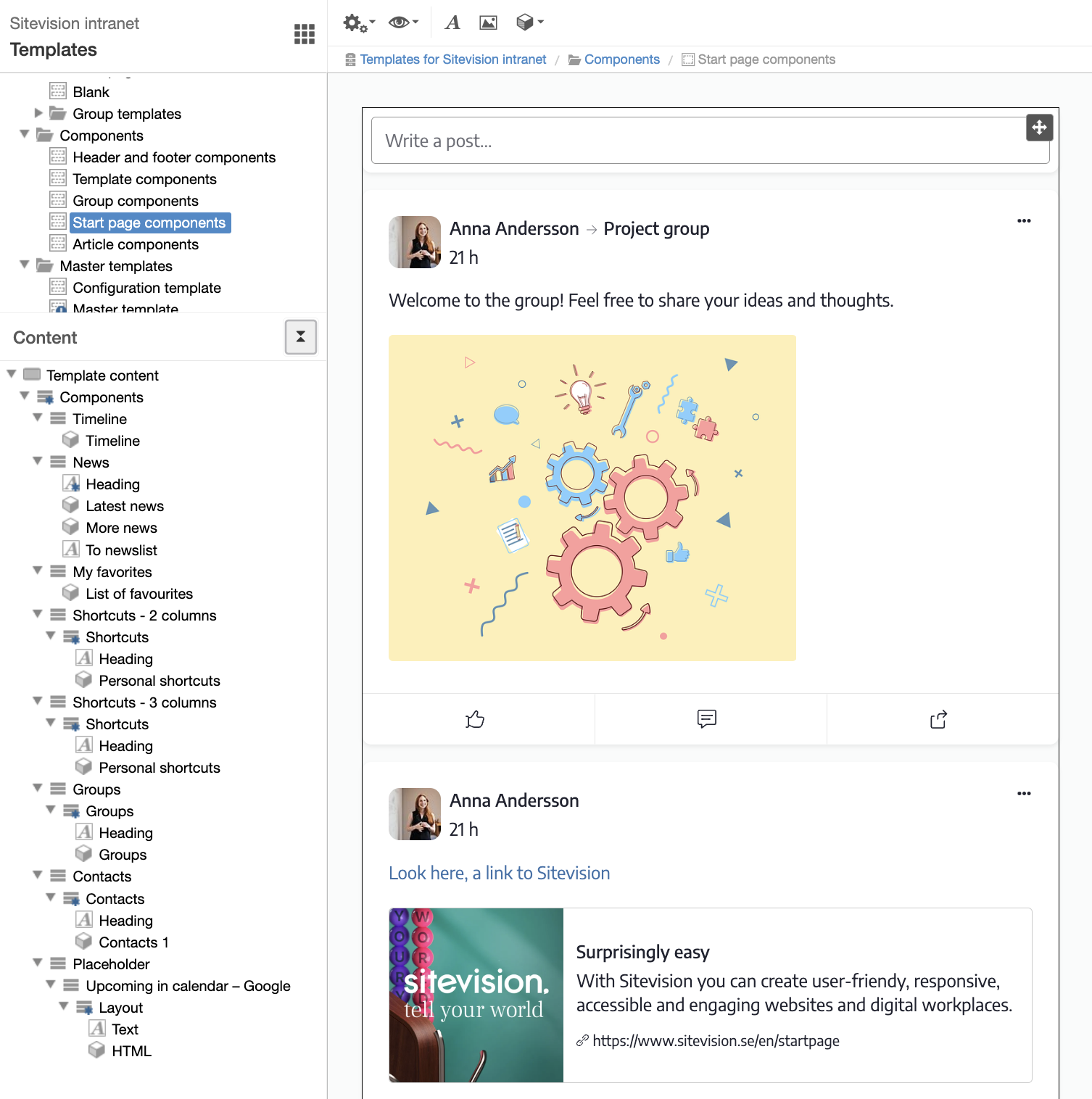
Activity feed on the home page
The activity feed module shows posts from groups and users on the home page. The same module is also used in the group template and on the profile page, but with different settings.
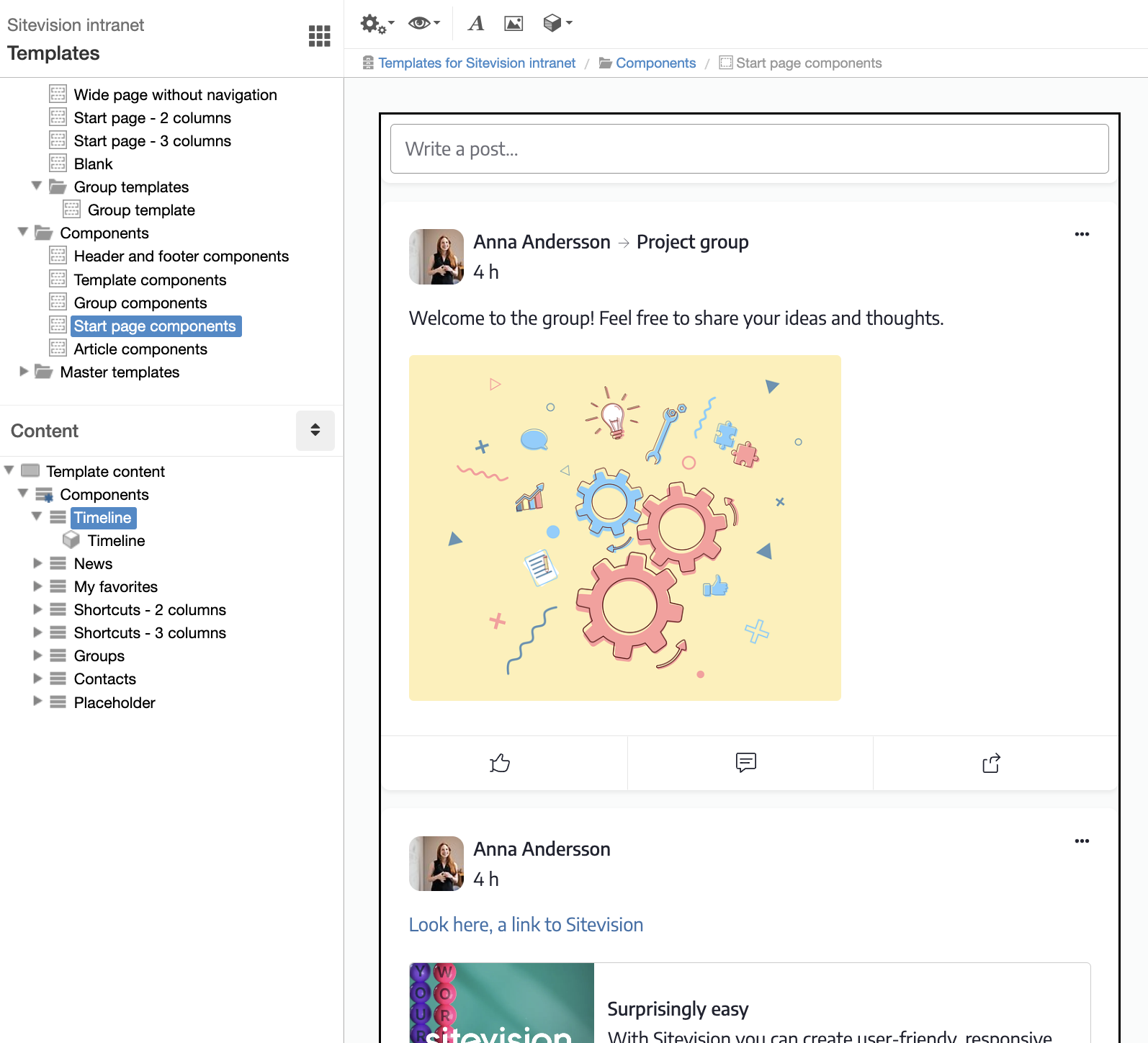
Module settings Timeline
In the module settings you can, for example, customize the maximum number of posts that can be displayed, change the text in the input field. You can also opt out of allowing users to write their own posts directly in the feed or remove the option to have polls.
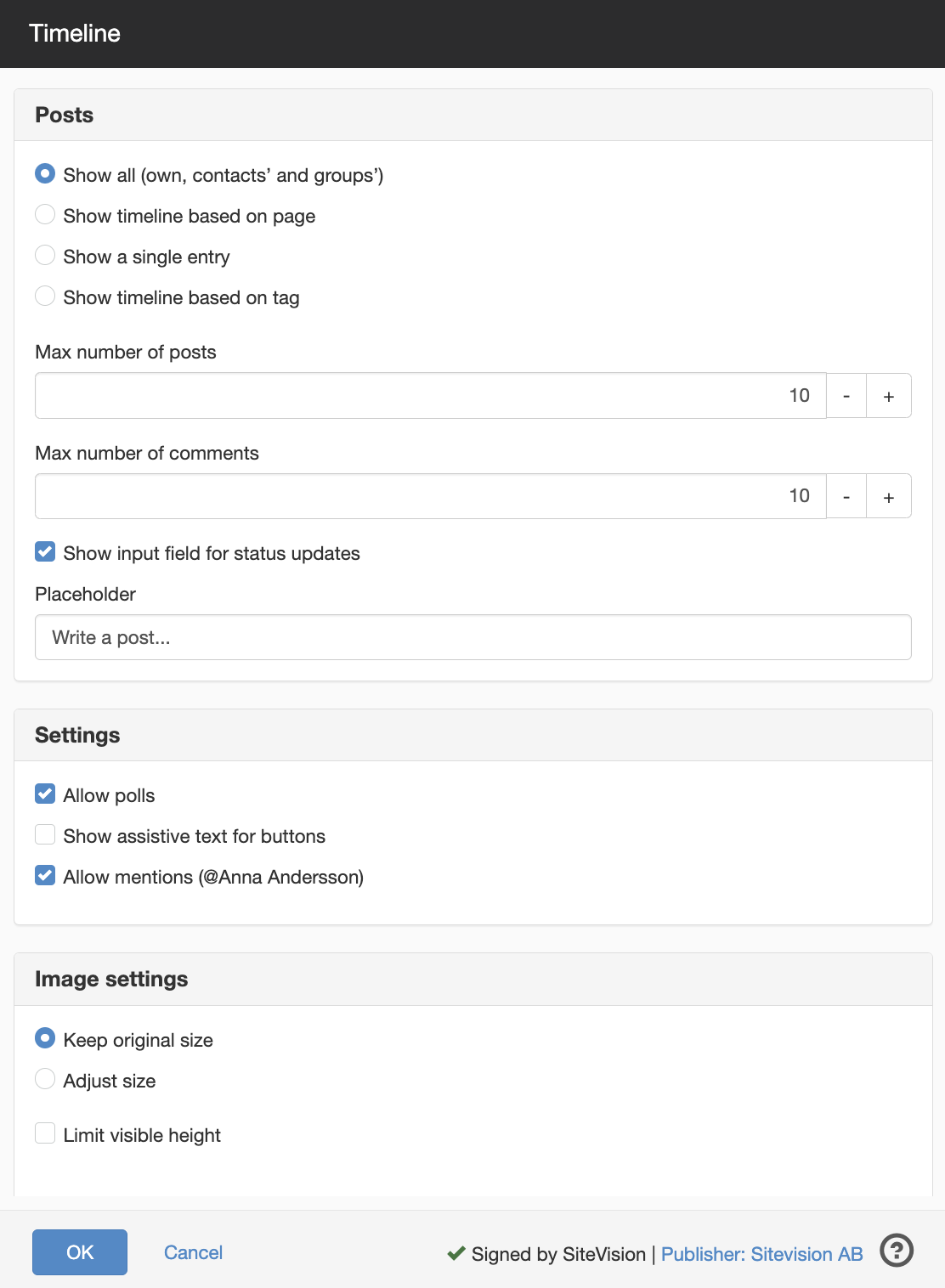
News feed on the start page
The news feed on the home page consists of two News List modules. The first uses a gallery and is limited to displaying one news item. The second uses the form Simple list and shows several news items.
You can customize this in the module settings of each news list.
You can read more about the news list module and its settings here.
In the example below, we have added a button module with a link to the News page.
My favourites
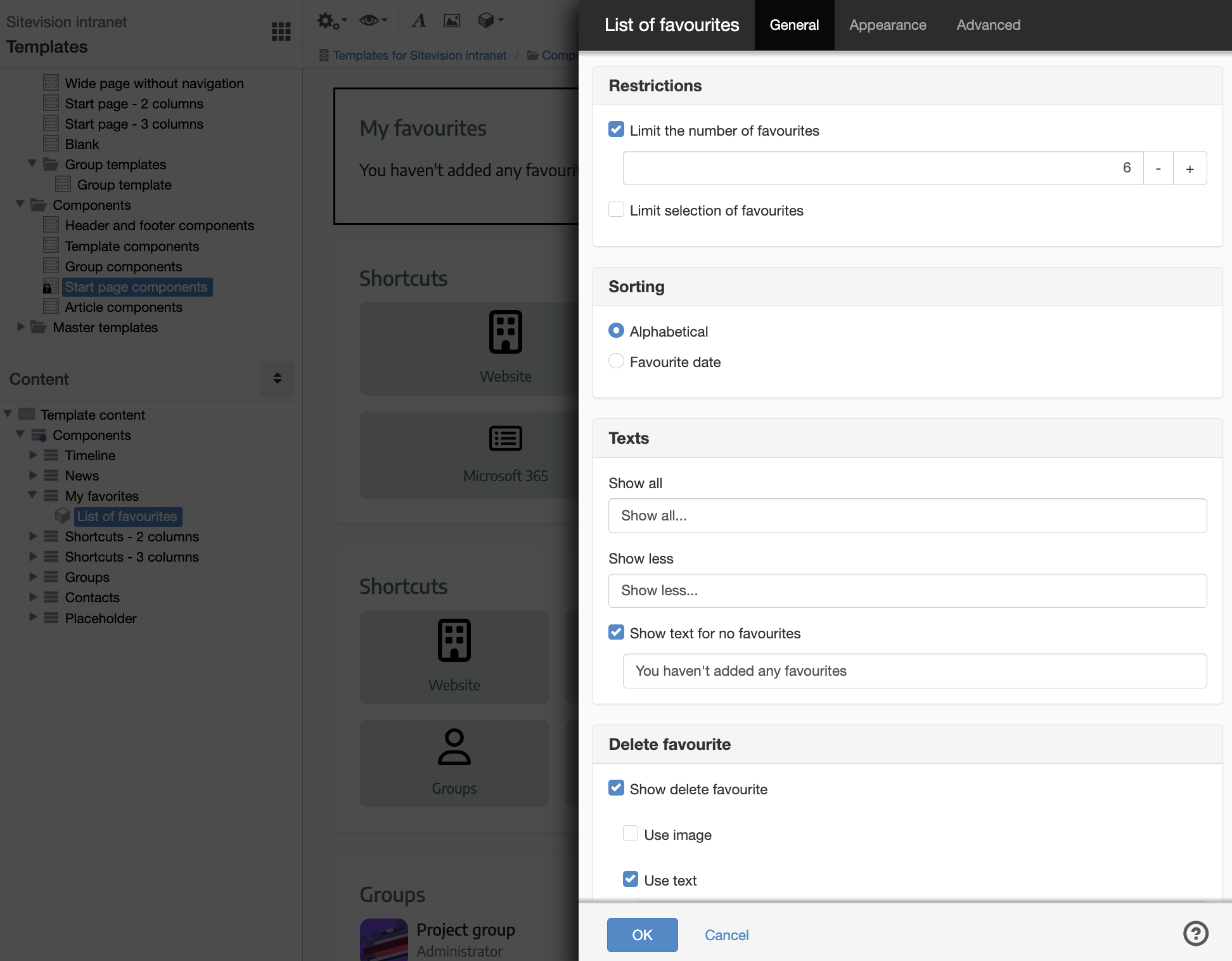
The List favourites module shows the pages that each user has marked as favorites with a star. In the module settings, you can, among other things, limit how many favorites are listed.
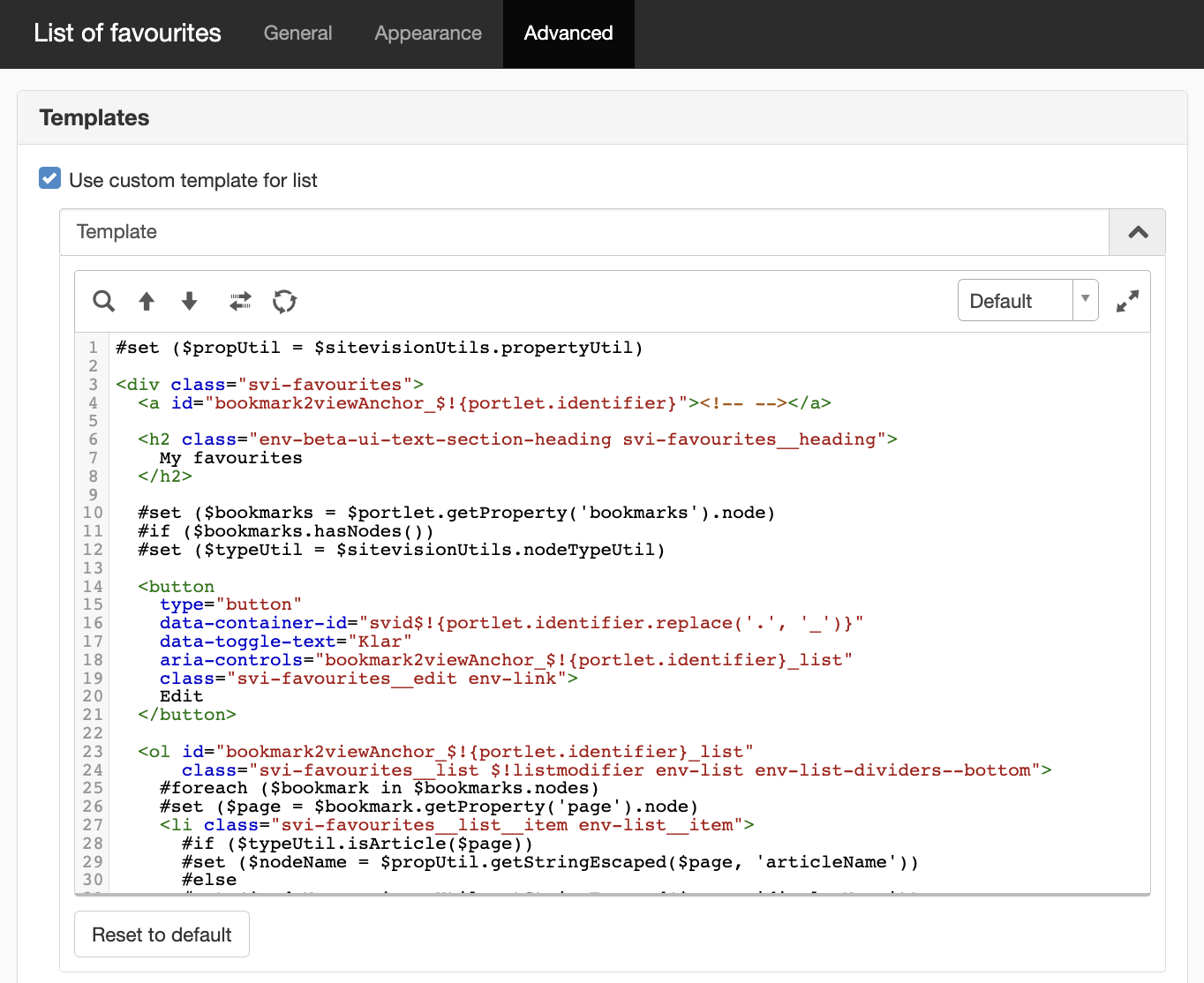
This module uses its own template, which you can see under the advanced tab. See image below.
The appearance is customized with the decoration Content box.
Shortcuts
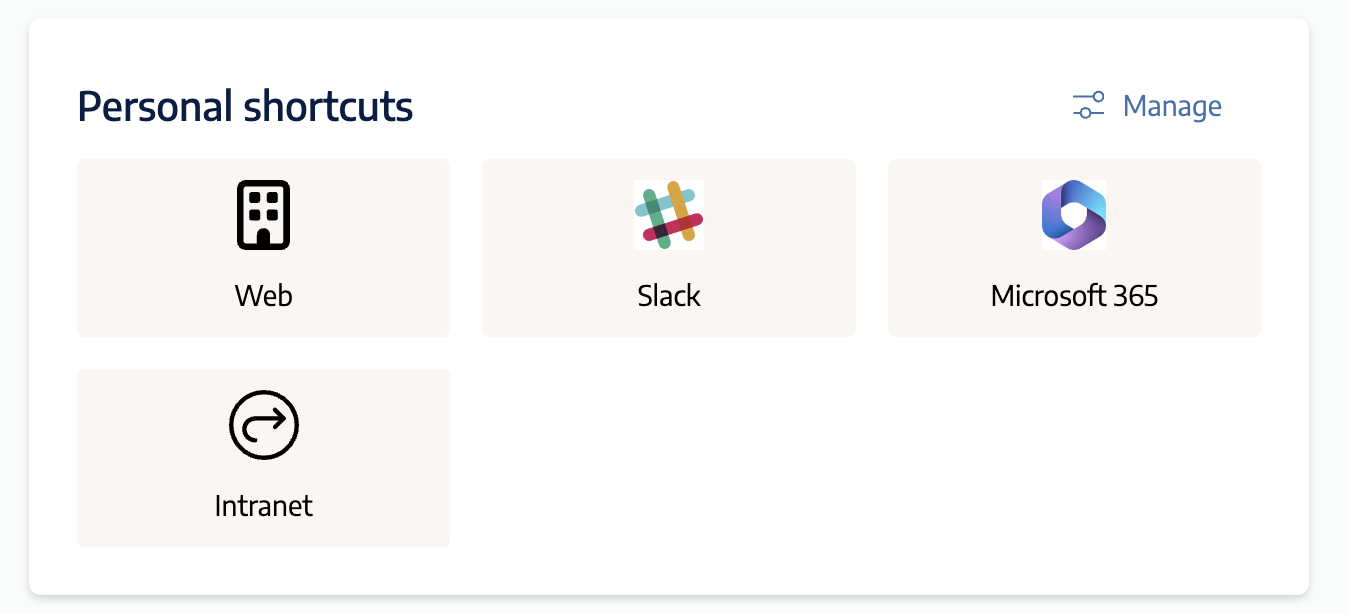
The Personal Shortcuts module adapts to the space it occupies. If there is space for three columns, three are shown, but if the space is narrower, the shortcuts are automatically adapted to two columns.
Module settings personal shortcuts
In the settings for the Personal shortcuts module, you can control how many shortcuts should be displayed by default (if the user has not made a choice).
Groups
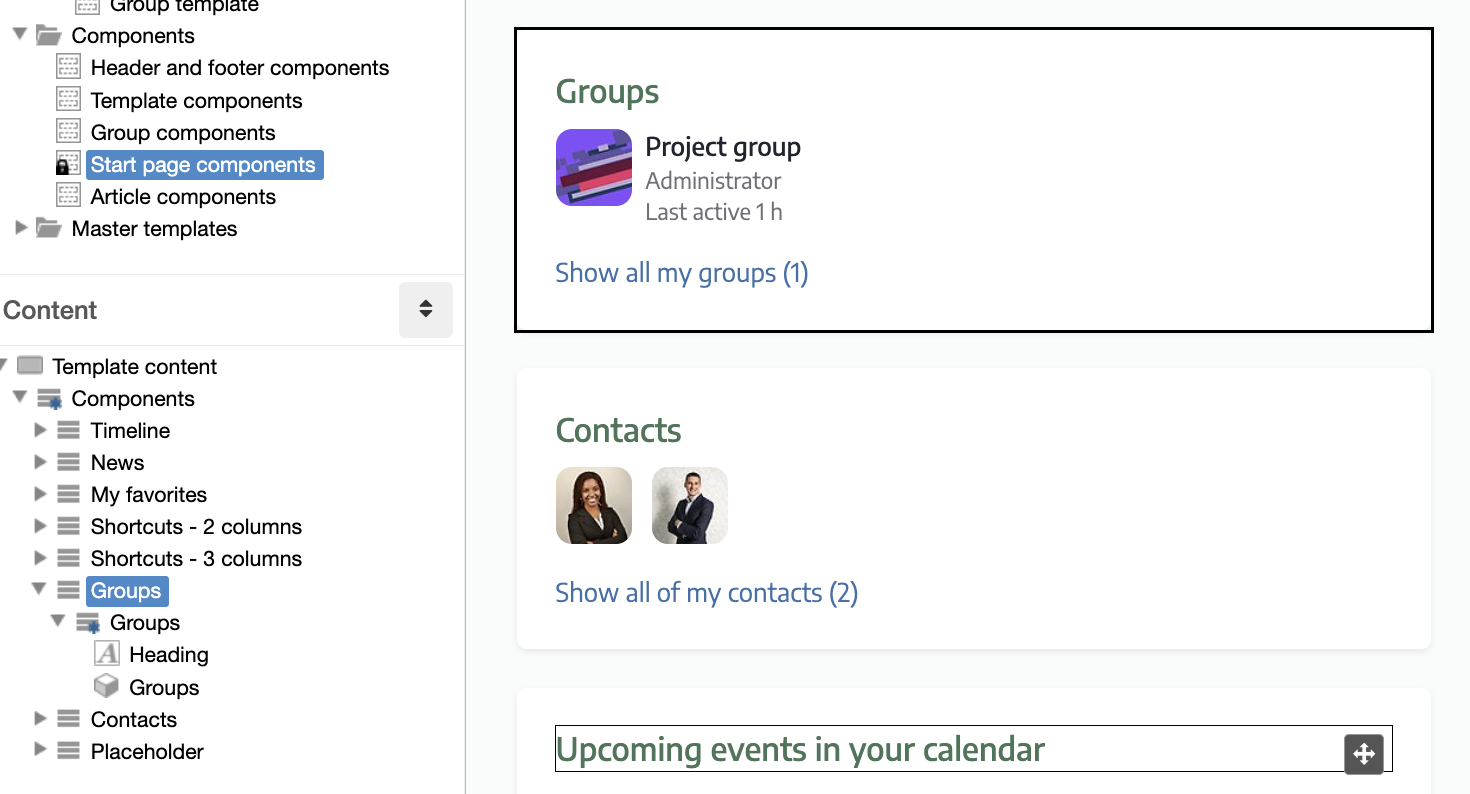
The groups module lists the groups that each user is in so that it is easy to go to a group. There is also a link to the Groups page where the user can create new groups. In the module settings, you can adjust the maximum number of groups displayed.
The appearance is customized with the decoration Content box.
Contacts
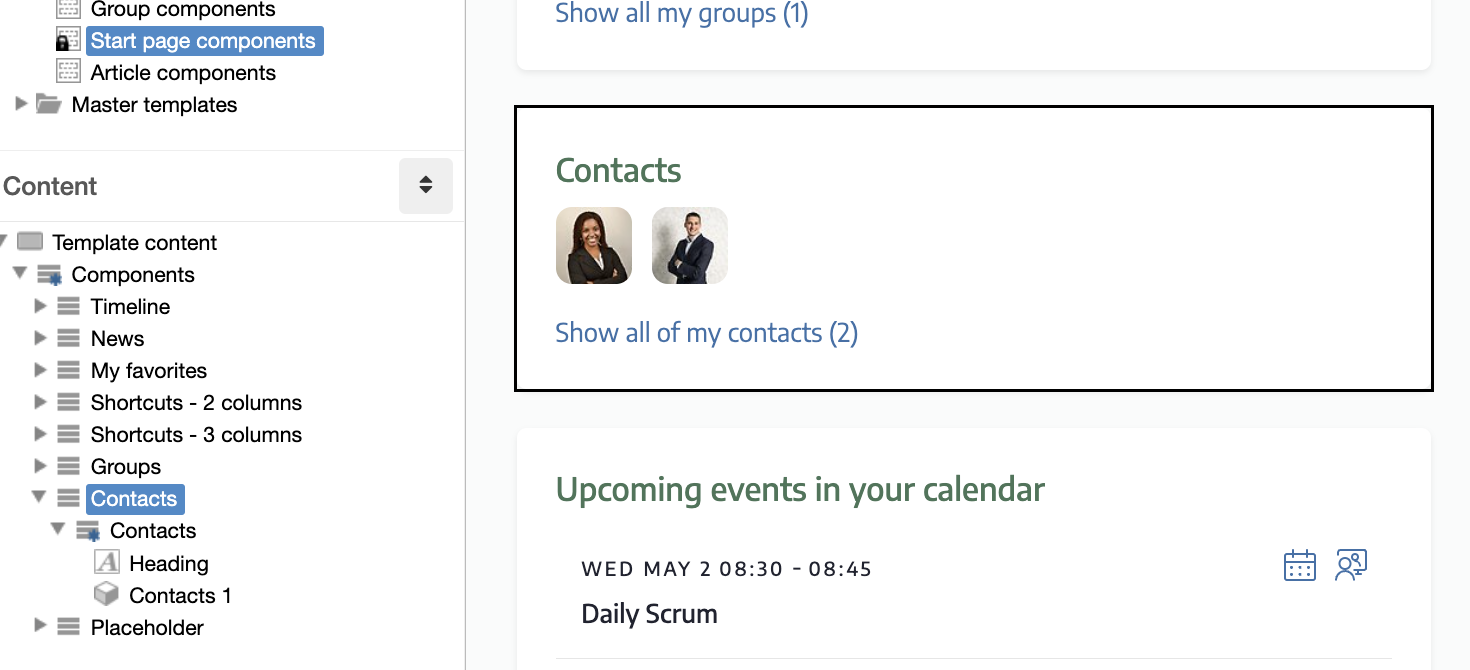
The Contacts module displays the people the user has chosen to add as contacts. The module settings allow you to adjust the number of contacts displayed.
The appearance is customized with the decoration Content box.
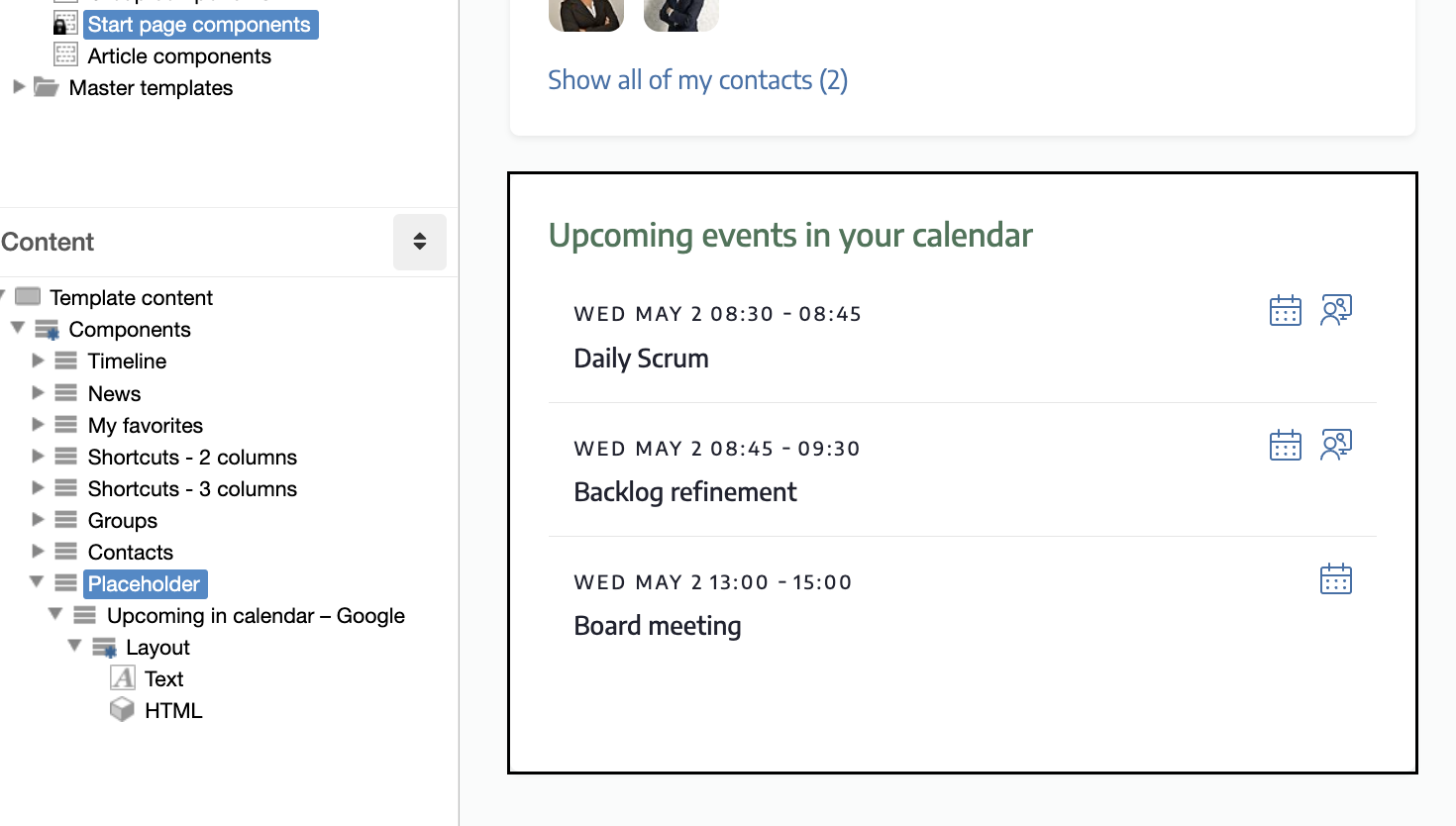
Placeholder for upcoming in the calendar
Here is a place reserved for one of the modules Upcoming in the calendar for Google or Microsoft 365. If you choose to integrate the calendar, you should replace the HTML module that only shows a placeholder image with the selected module.
The appearance is customized with the decoration Content box.
You can read more about the modules here:
The page published:
 Print page
help.sitevision.se always refers to the latest version of Sitevision