

Article component
Here we describe all the different components available on this page:
- Article header (publication date, published by and last updated)
- Side column with more news and similar news
- Comments(read more about the comments module)
- Like page (read more about the Like page module)
- Crisis news
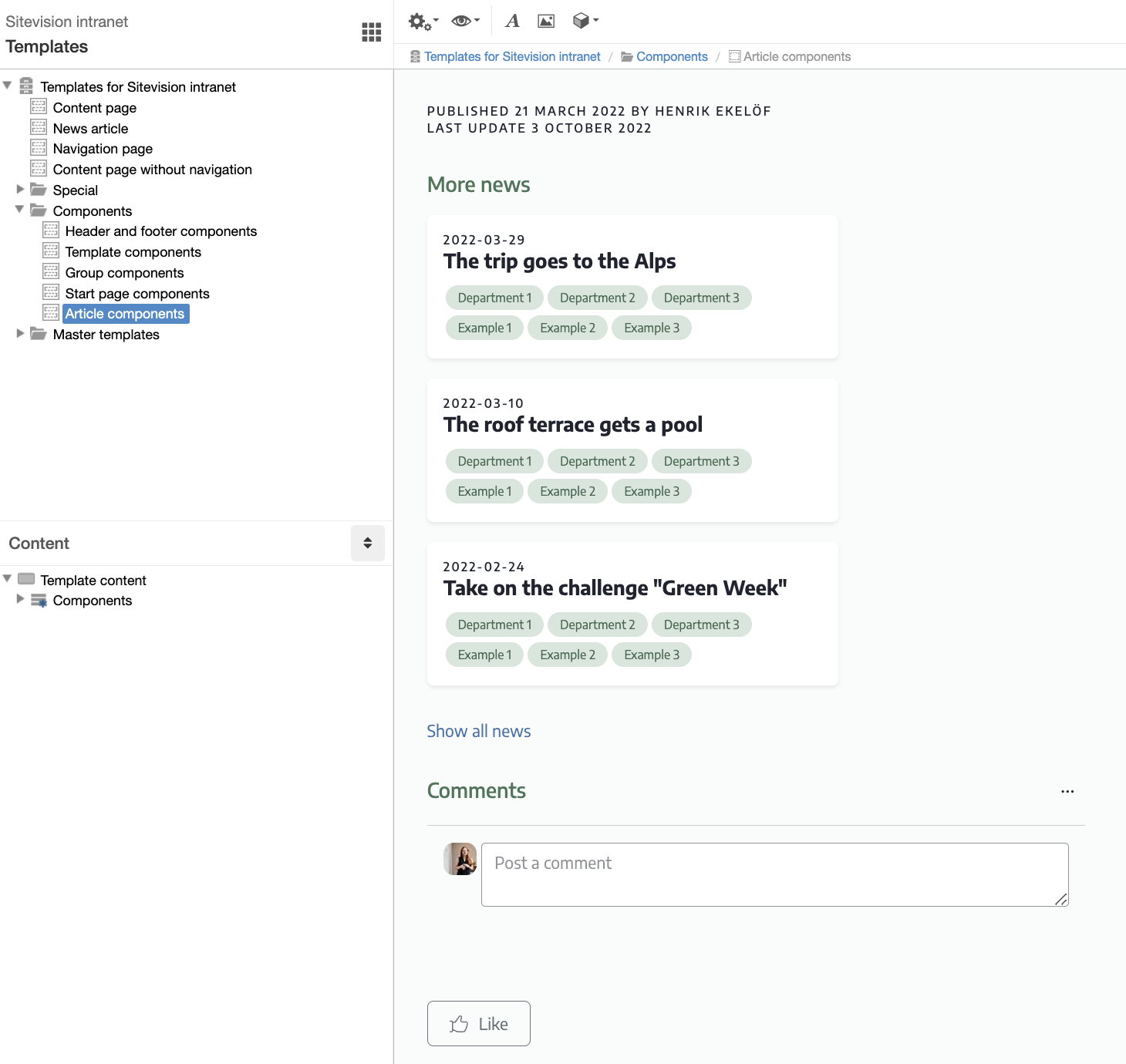
Article header
Here is the metadata that is linked into the header of the news template. In the text module Published, you can customize the text if, for example, you do not want to print who published/changed. Remember to publish the component template when you have made changes.
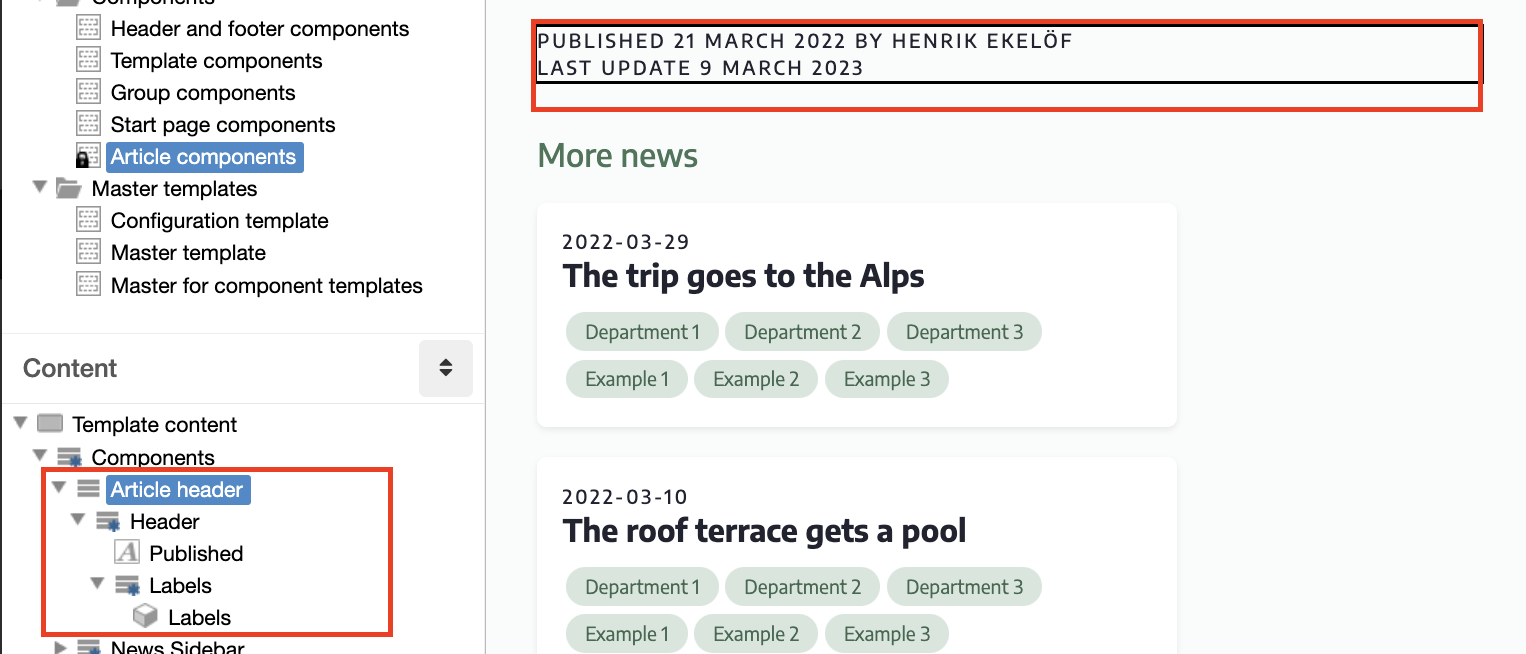
The Tags module
In the article header there is also a Tags module that displays tags on news articles if they have any. The module settings allows you to edit the tags landing page.
You can edit the font and color for tags in each theme. Under Site settings/ Theme/ Badges respectively Theme/ Element colors
For older intranets (pre october 2025) the appearance of the tags is set in the configuration template (linked via the CSS rule Template: Article tags on the Labels layout). If your intranet is newer,
Side column news
The Sidebar news component is displayed in the right-hand column of news articles. It consists of two parts:
- Similar news
- More news
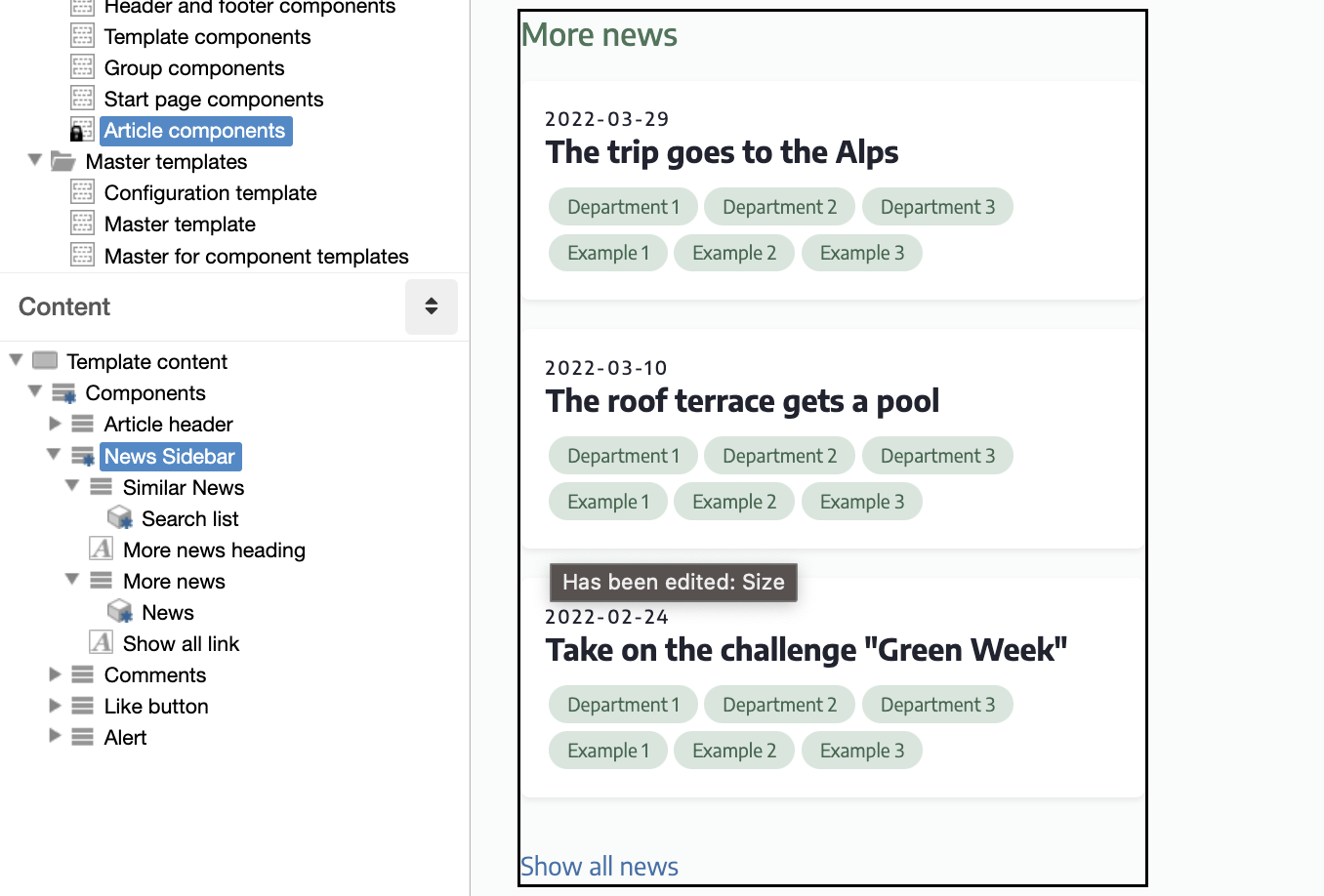
Similar news
Consists of a search listing module that displays news based on the categories the user has filled in on their profile.
Read more about personalization with labels on news.
If it is not relevant, you can unpublish the link to this component in the side column of the News template.
More news
Consists of a news module that lists a selection of all news items in the News archive. In the module you can, for example, change how many news items are displayed in the list.
Crisis news - crisis banner
The crisis banner basically consists of a news module that points to an archive where the crisis news is created and published. The module contains a script that sets the appearance of the crisis banner.
The color is Website Theme / Danger. If you want to change to another color, you can do so under website settings / appearance / colors. Keep the name so you don't have to change the website theme.
Modulinställningar/anpassningar
Crisis News shows articles from the Crisis Information archive.
Click on the edit icon to switch to another archive.
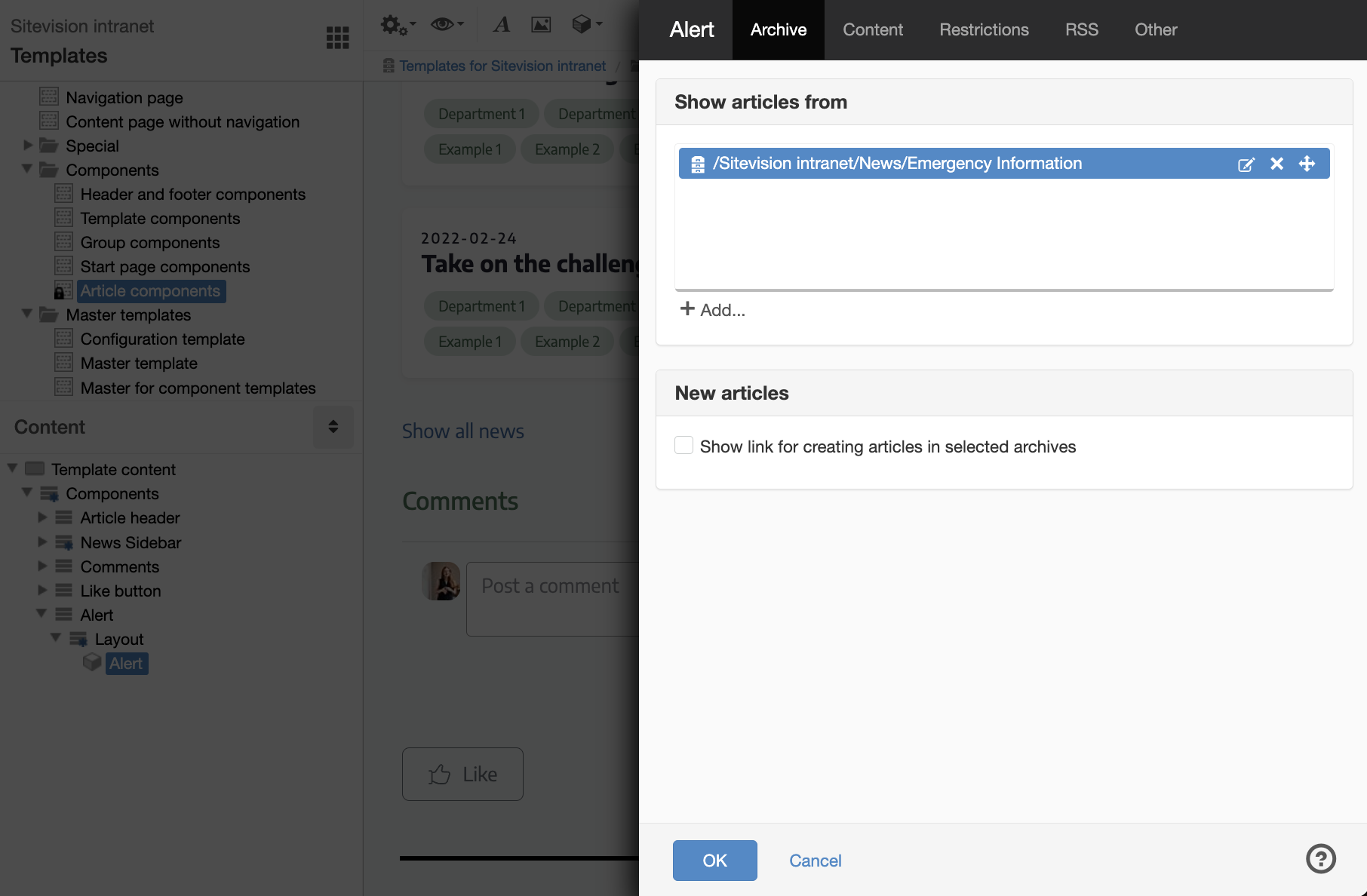
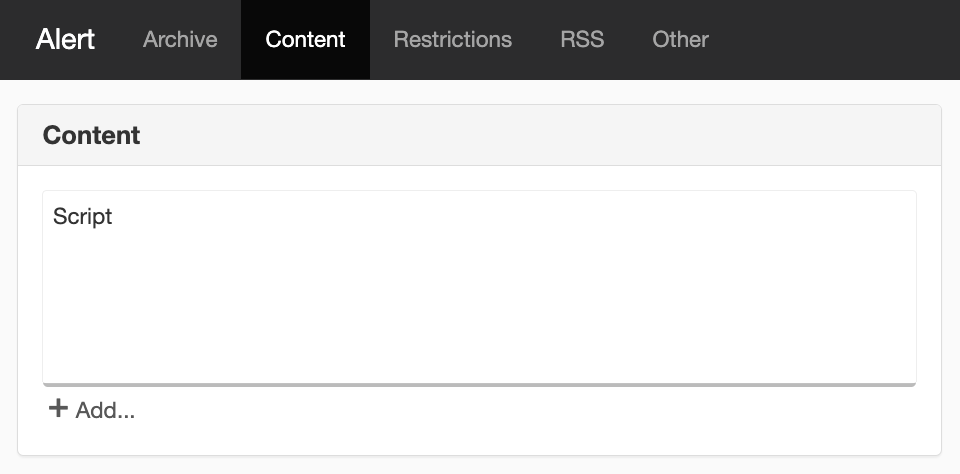
The content is listed with a script.
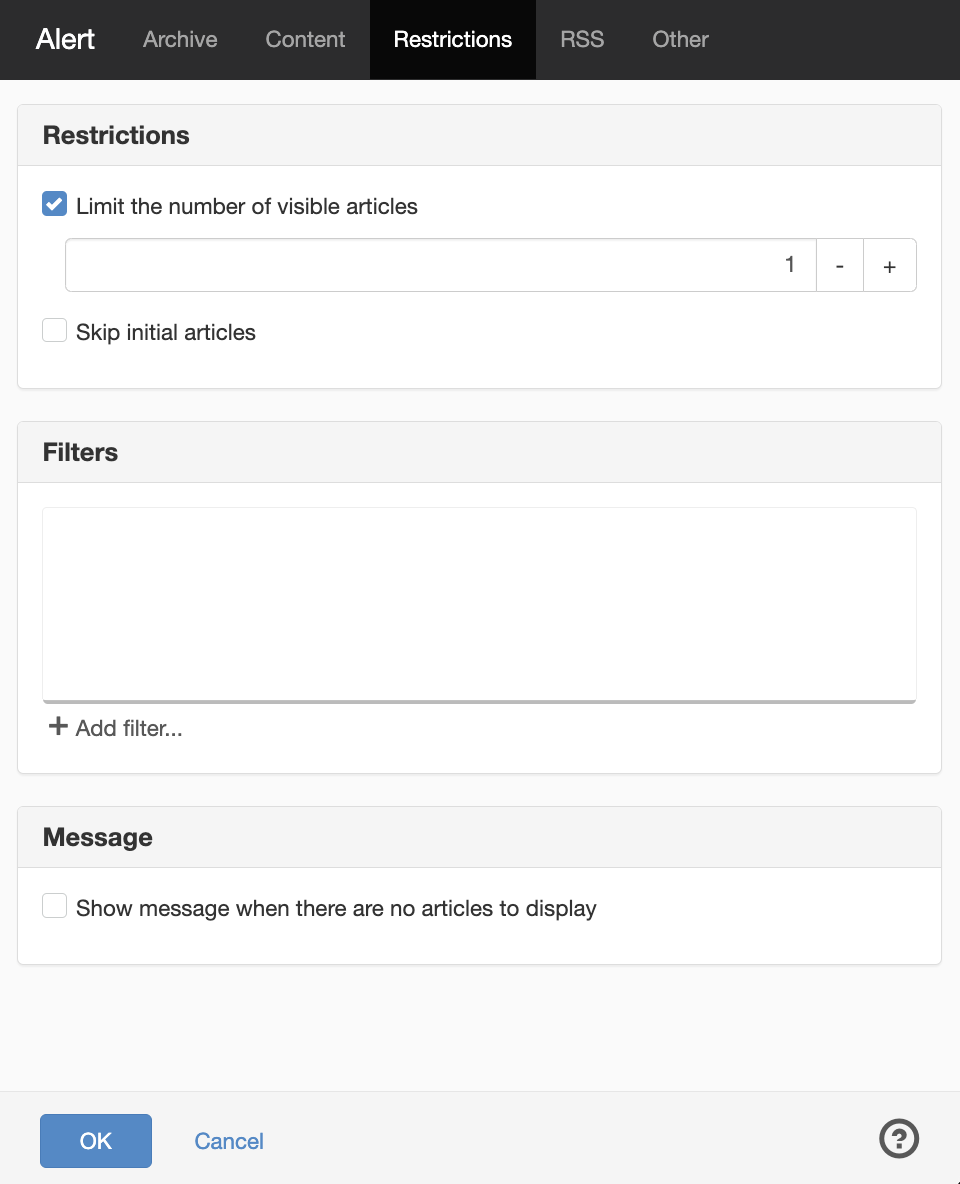
There is a limit set so that only 1 article is listed in the banner. If you adjust the number upwards, more banners will appear.
The page published:
 Print page
help.sitevision.se always refers to the latest version of Sitevision