

Template components
Template components contain functions that link into several of the different templates on the intranet. They consist of the parts:
- Mobile toolbar (modules Notifications, Messages, Personal menu)
- Header tool (Notifications, Messages, Personal Menu modules)
- Breadcrumbs (Breadcrumbs module)
- Tags (Tags module)
For intranets delivered before october 2025:
- Tags (customised script module)
The appearance is managed in the configuration template in terms of color and rounding of the image.
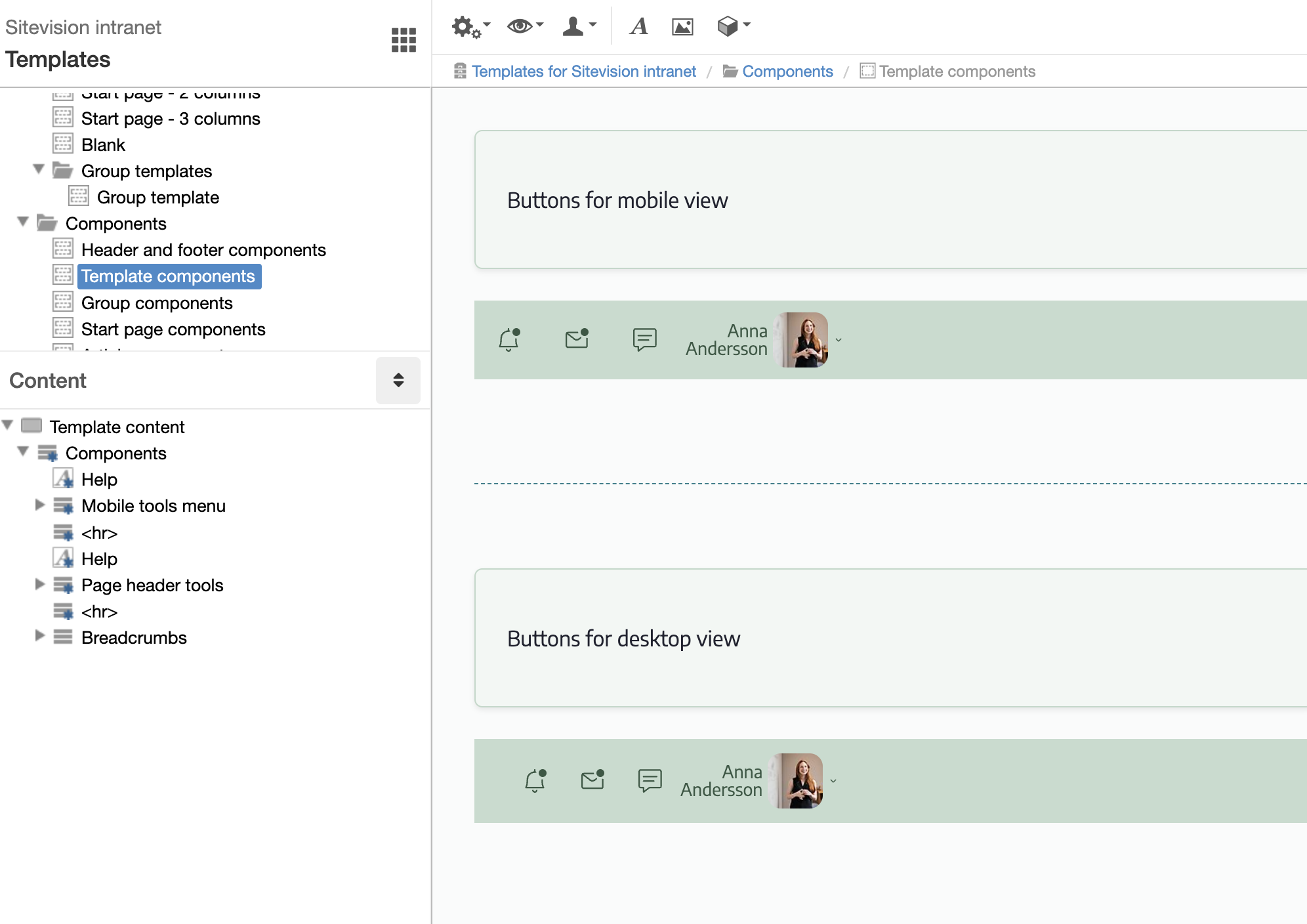
Mobile toolbar
Consists of the modules Notifications, Messages, Personal Menu and an HTML module with placeholder image for Unread emails. Messages is customized using an HTML module.
If you do not want to make an integration for Unread emails, you can remove that module. Otherwise, replace it with the module Unread emails - Google or Unread emails - Microsoft 365. You can download them in the Sitevision Marketplace.
The CSS rule "Template: Page header/ Mobile toolbar" is linked to the layout.
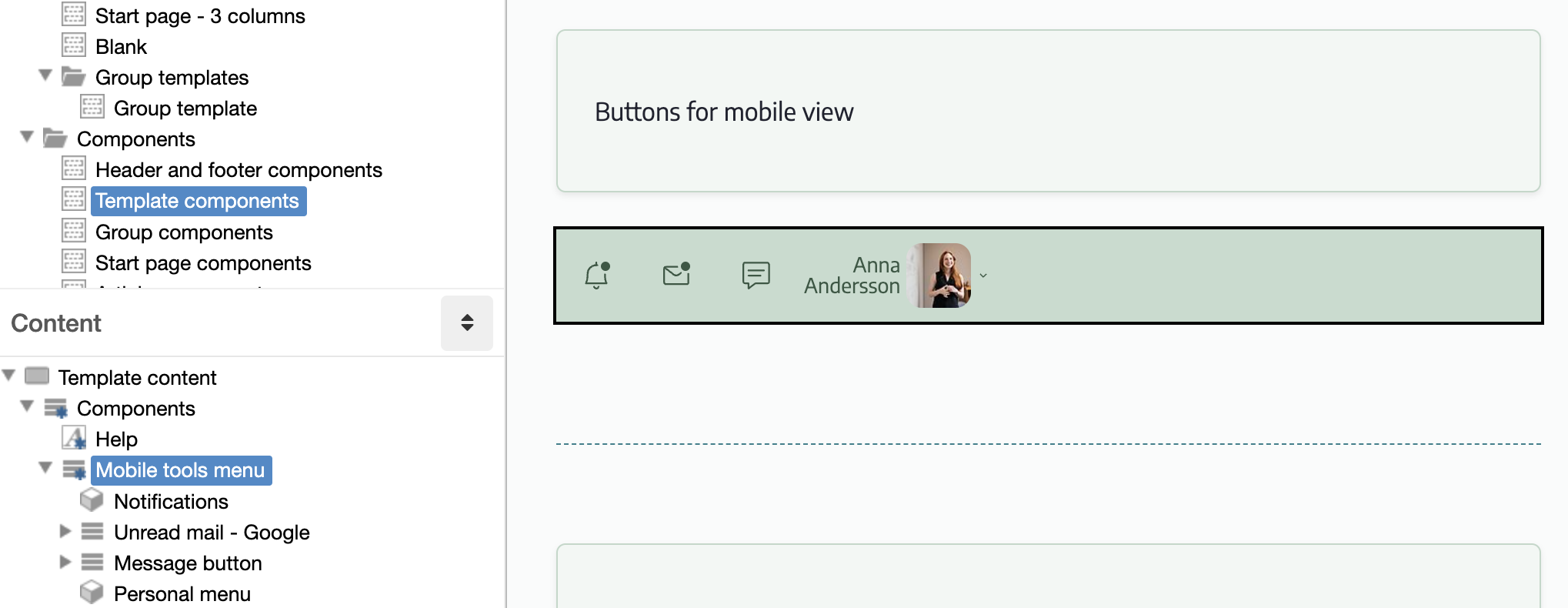
Tools header
Consists of the modules Notifications, Messages, Personal menu and an HTML module with placeholder image for Unread emails. Messages is customized using an HTML module.
If you do not want to make an integration for Unread emails, you can remove that module. Otherwise, replace it with the module Unread emails - Google or Unread emails - Microsoft 365. You can download them in the Sitevision Marketplace.
The CSS rule "Template: Header/Tools" is linked to the layout.
You can read more about the modules here:
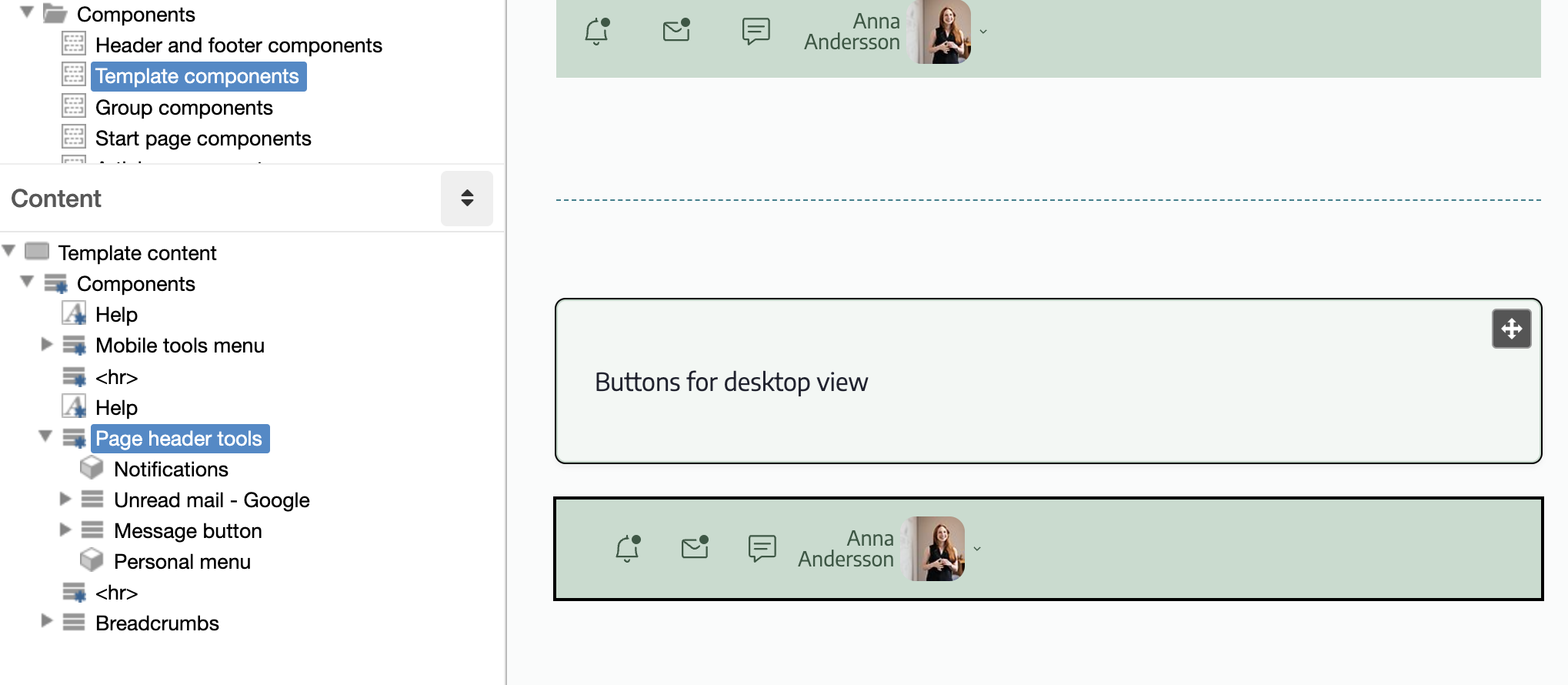
Breadcrumbs
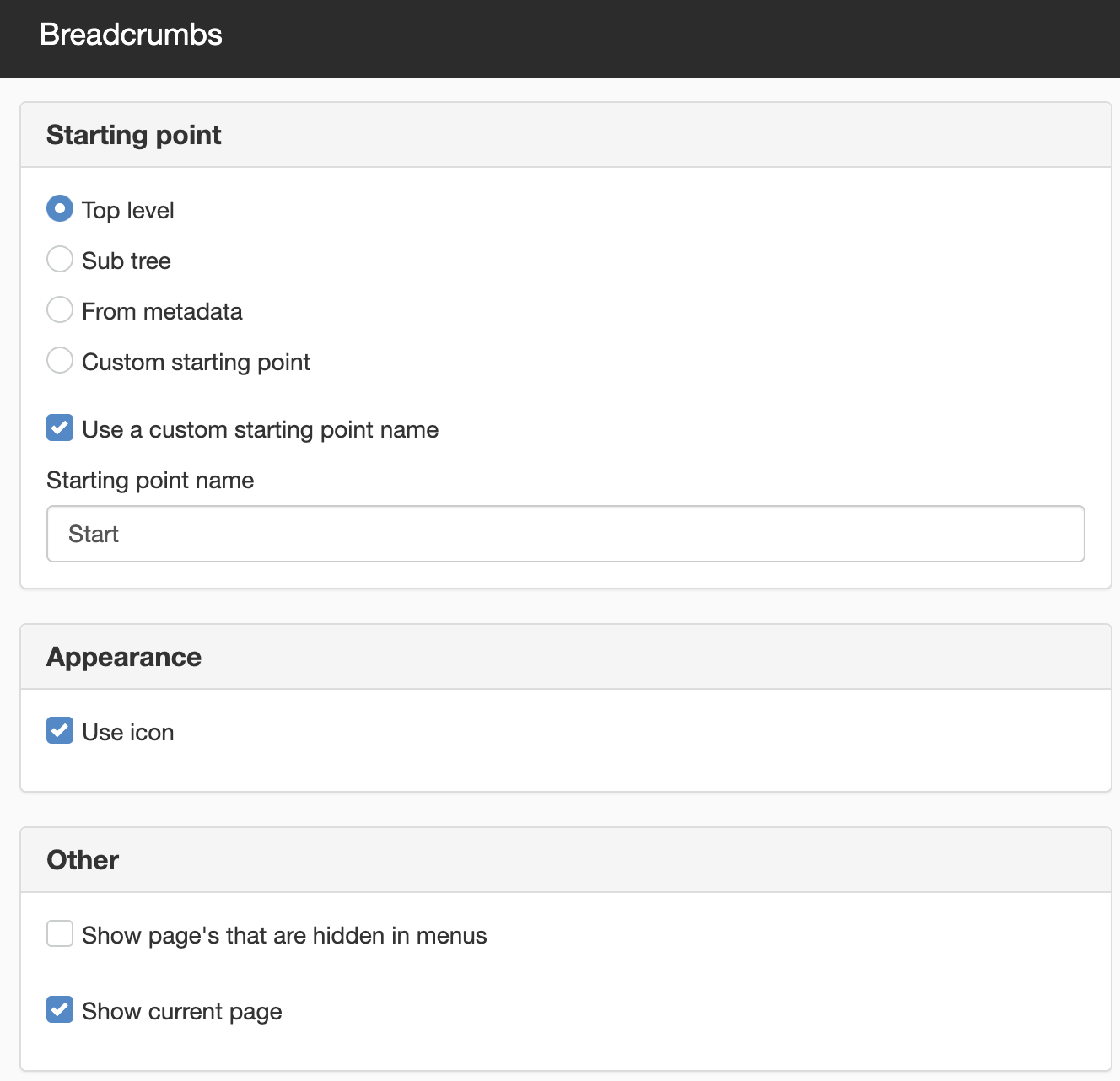
Consists of the module Breadcrumbs in two sets. One to show hidden pages and one standard.
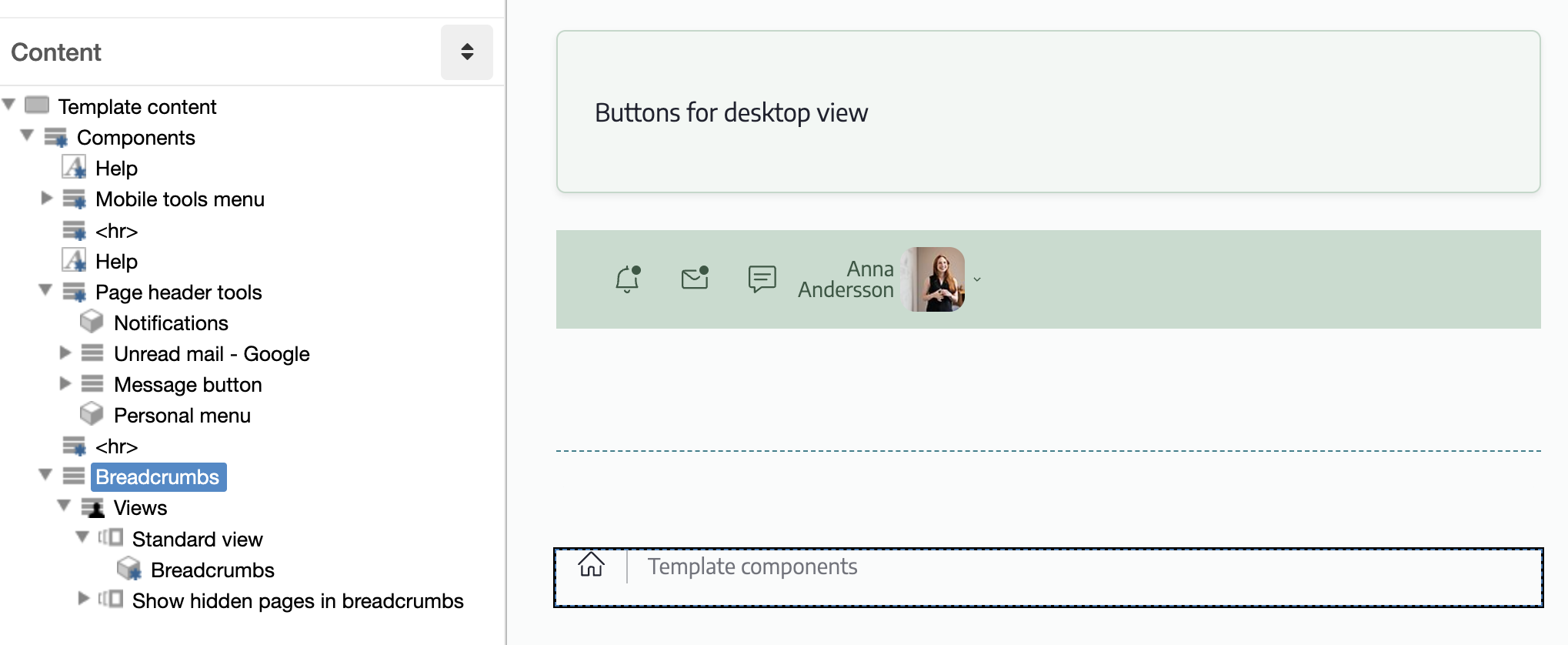
Module settings link path
The image shows the possible settings for the Link Path module. Read more about:
The page published:
 Print page
help.sitevision.se always refers to the latest version of Sitevision