

Unread emails - Microsoft 365
This module allows you to view how many emails you have in your inbox and to view the text from the email. The module appears as an icon that is the same size as the icons for notification, chat and so on.
For example, hovering over the icon will display "The 3 unread emails of 7" (depending on your settings in the module).

Settings
You can make the following settings in the module:
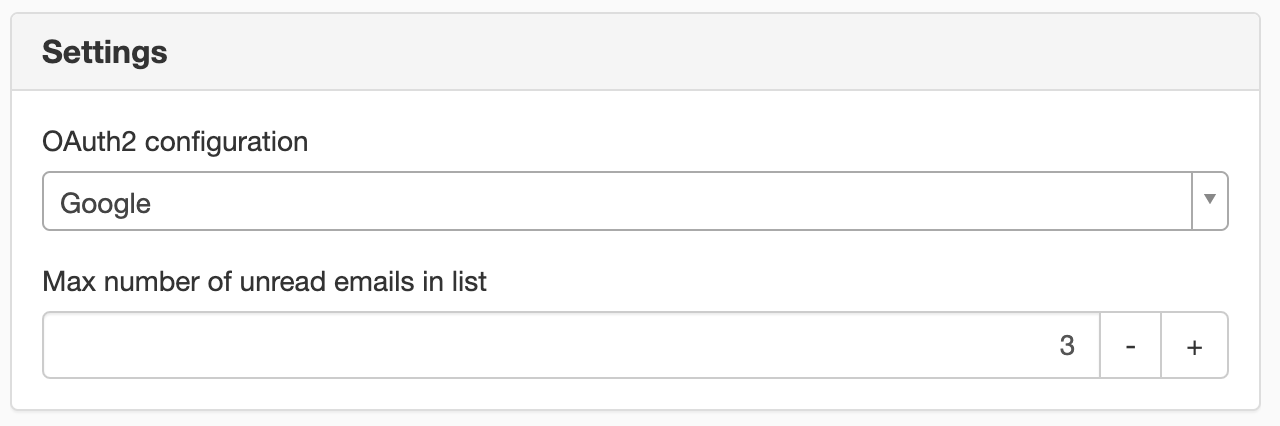
Max number of unread emails in list
Choose how many emails to show from your inbox
Appearance
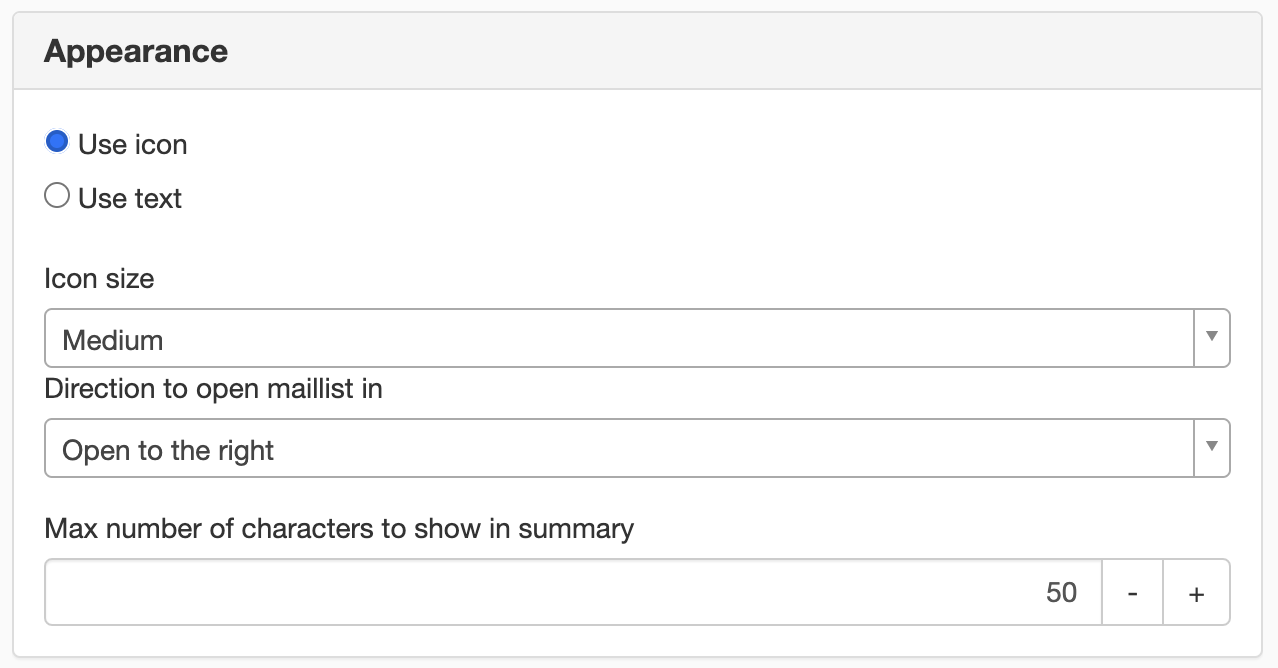
Use icon
Select this option if you want an icon to click on to view your emails. The icon is a standard icon and you can choose the size of the icon.
Use text
Select this option if you want to write your own text instead of an icon.
Direction to open the mailing list in
Select the direction in which the mail list is opened.
- Open to the right
- Open to the left
- Open below
- Open top
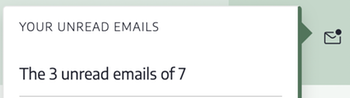
Examples of emails that open to the left
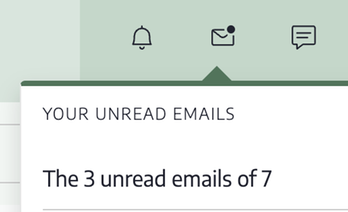
Examples of emails that open below
The first time the user logs in and clicks on the email icon, the user must agree to the emails being downloaded. So instead of seeing their unread emails when they click on the icon, a button will appear saying "Allow access".
Max number of characters to show in summary
Choose how many characters to show from the email.
In order to access these modules, you need to set up a login (OAuth2) to the respective service.
This module requires you to have a license for Sitevision Intranet 2022 or Extranet Enterprise
This is a module from Sitevision Marketplace. To download it, go via the menu in the navigator -> Marketplace in the edit mode of your website.
The page published:
 Print page
help.sitevision.se always refers to the latest version of Sitevision